Sunset by the sea
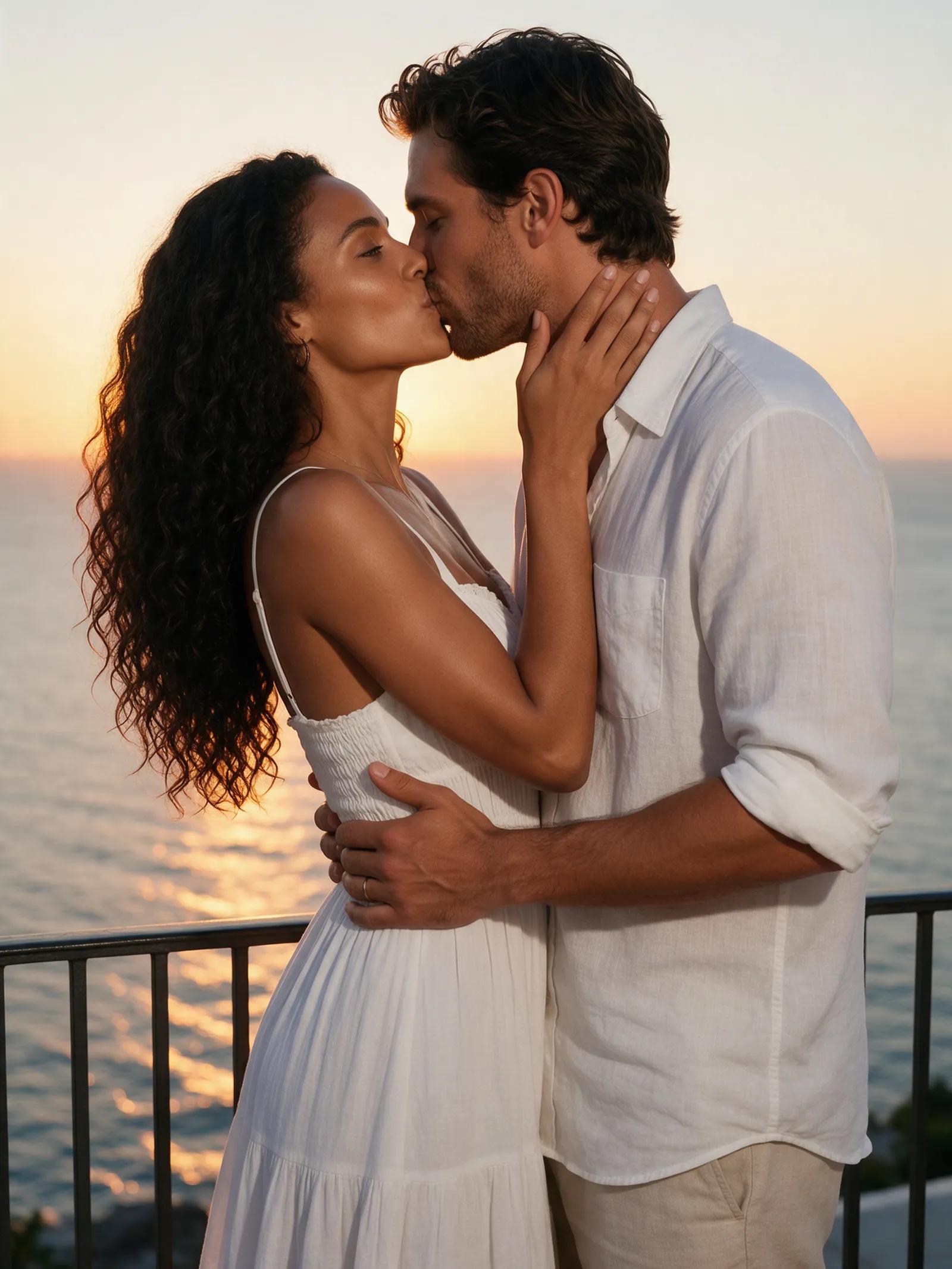
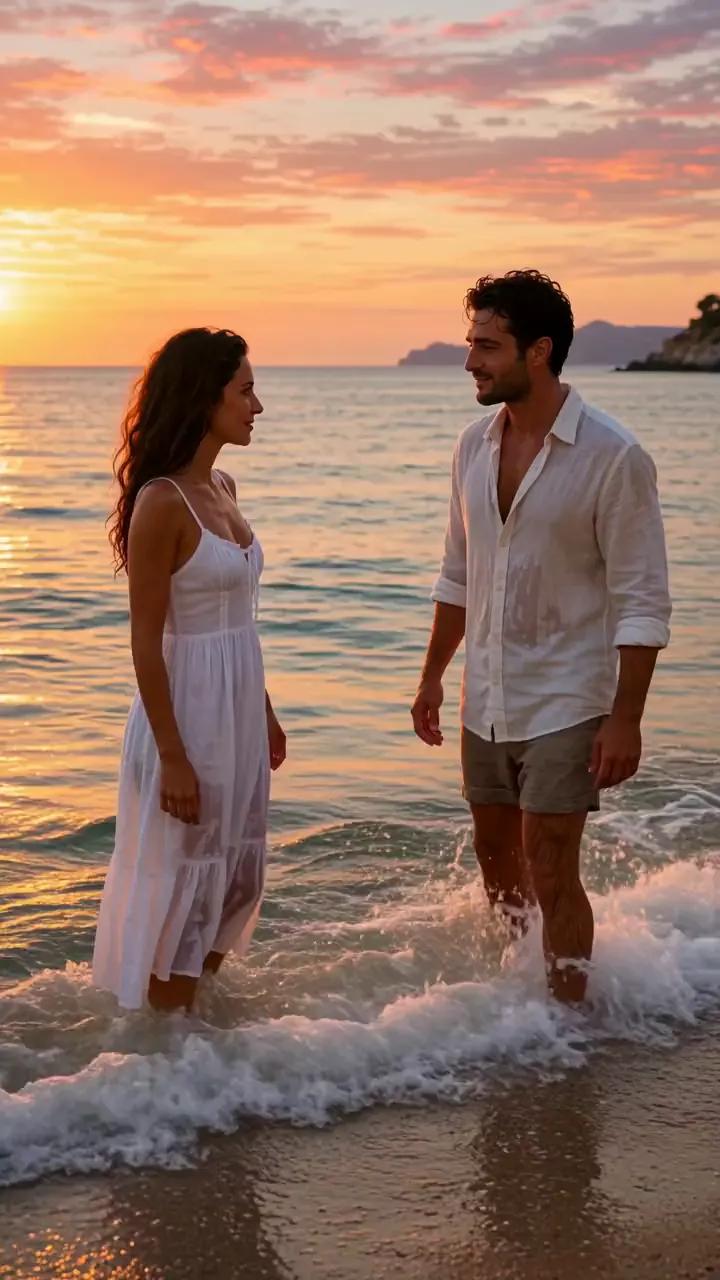
“A loving couple kisses on a beach at sunset, a 29-year-old Italian woman with long dark waves in a white sundress and a 31-year-old man in a linen shirt, waves behind them. Romantic, cinematic, slow motion.”
Make sparks move
Use our AI kiss video generator to turn a prompt into a tender, cinematic moment between fictional people who are clearly of age. Set the scene, shape the mood, and let every glance linger.
Three stolen moments
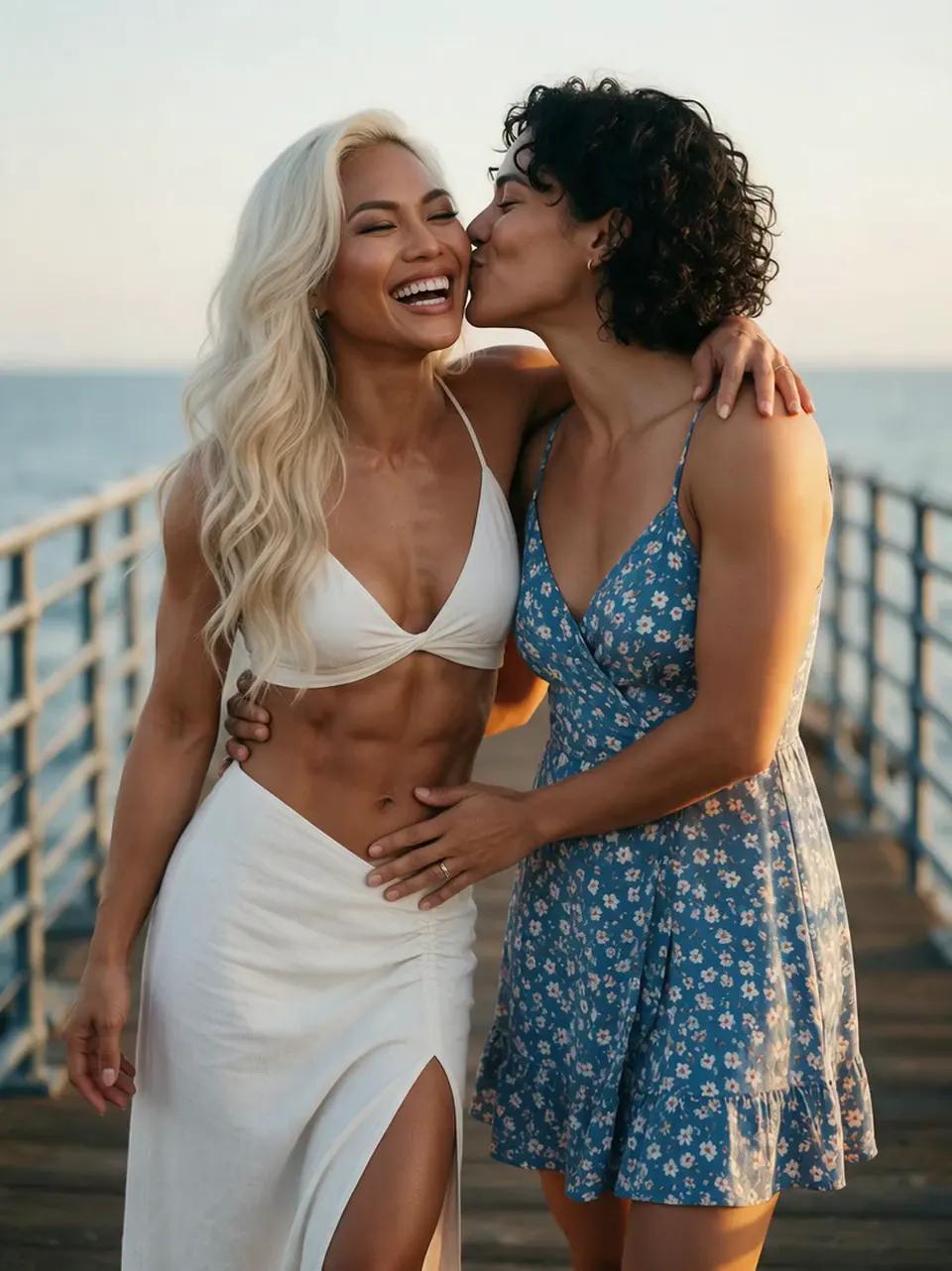
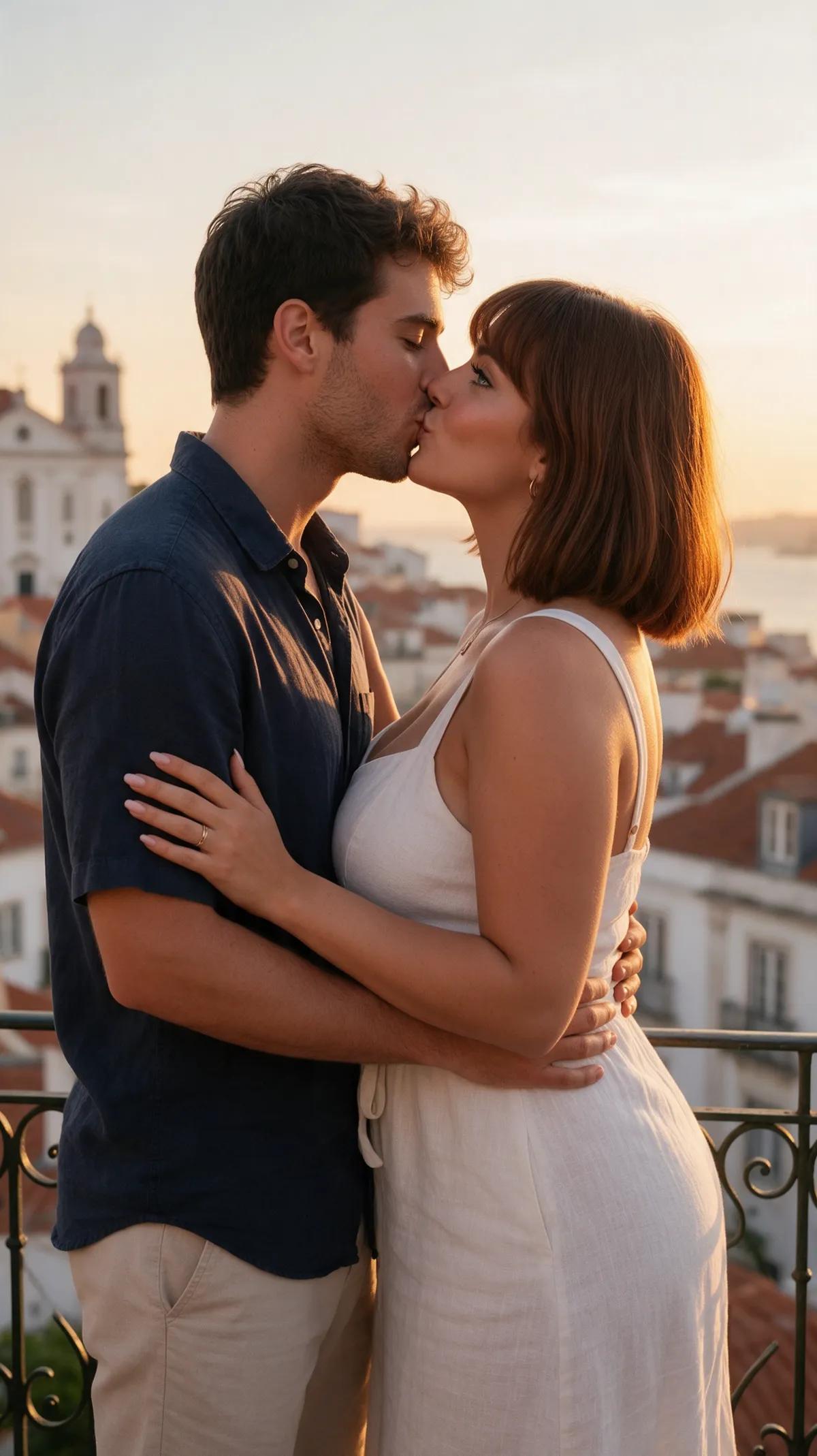
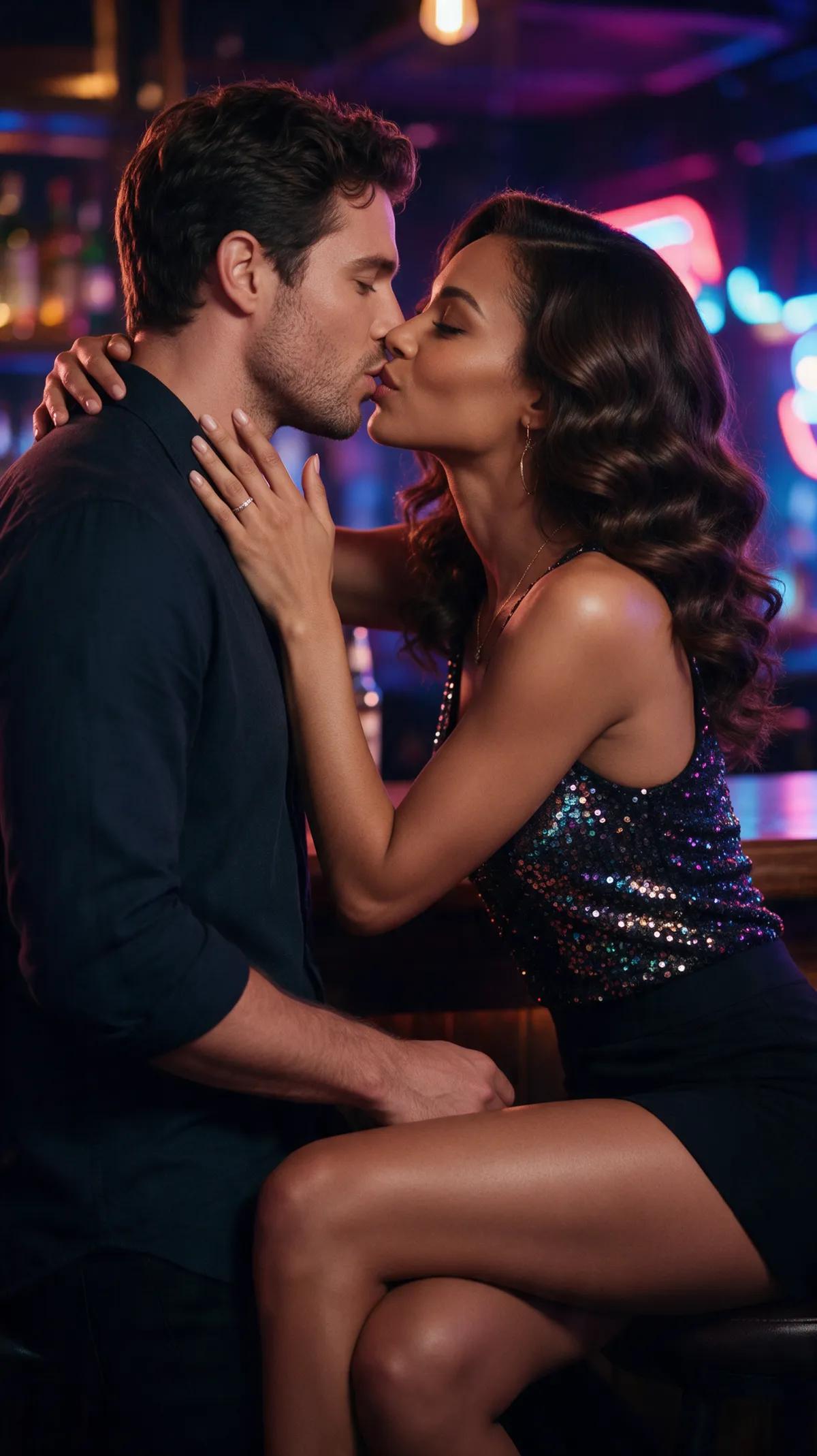
Golden sun on skin, string lights above the city, rain shimmering on the streets of Paris. Every example was made in the Ferkelkram studio and comes with its exact prompt and an “open in studio” button.
“A loving couple kisses on a beach at sunset, a 29-year-old Italian woman with long dark waves in a white sundress and a 31-year-old man in a linen shirt, waves behind them. Romantic, cinematic, slow motion.”
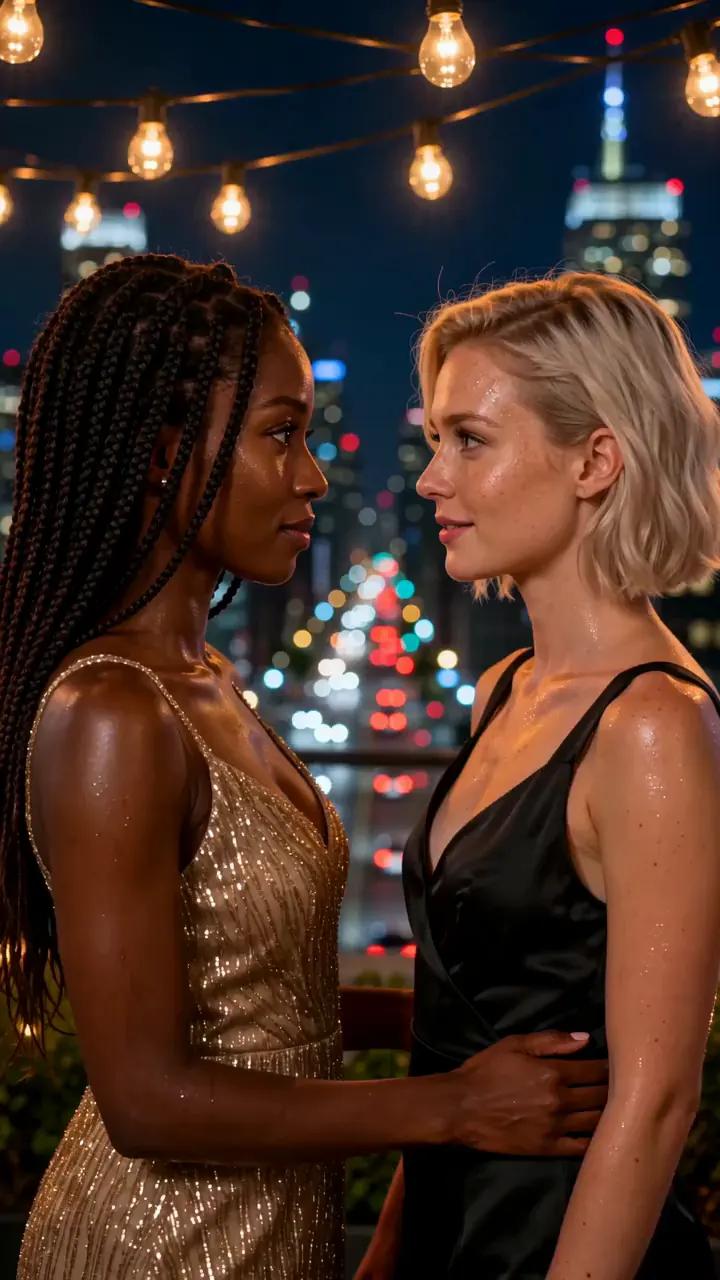
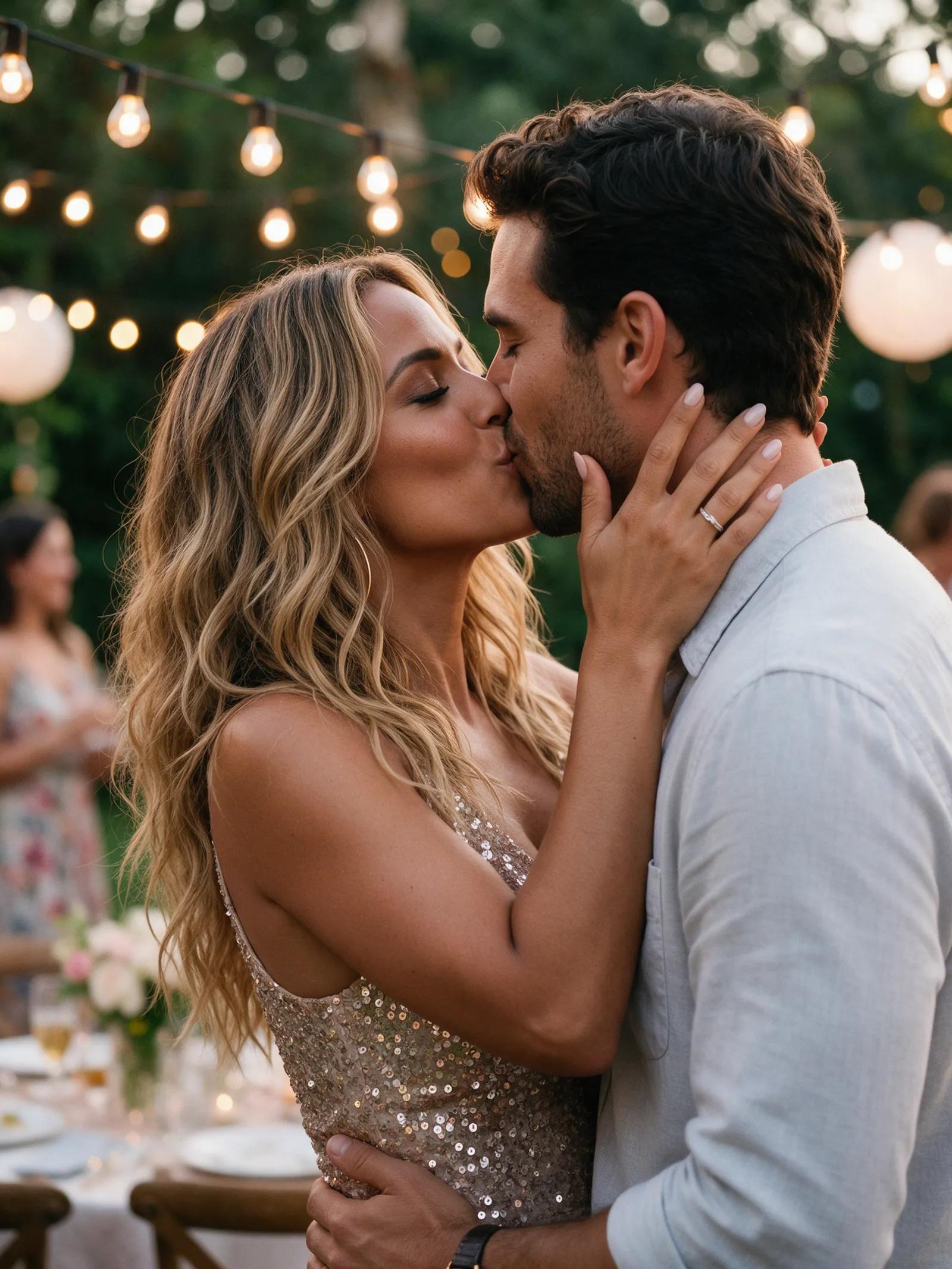
“Two women kiss tenderly at a rooftop party at night, a 27-year-old Black woman with long braids in a gold dress and a 28-year-old Swedish woman with a blonde bob in a black dress, city lights and string lights. Romantic, cinematic.”
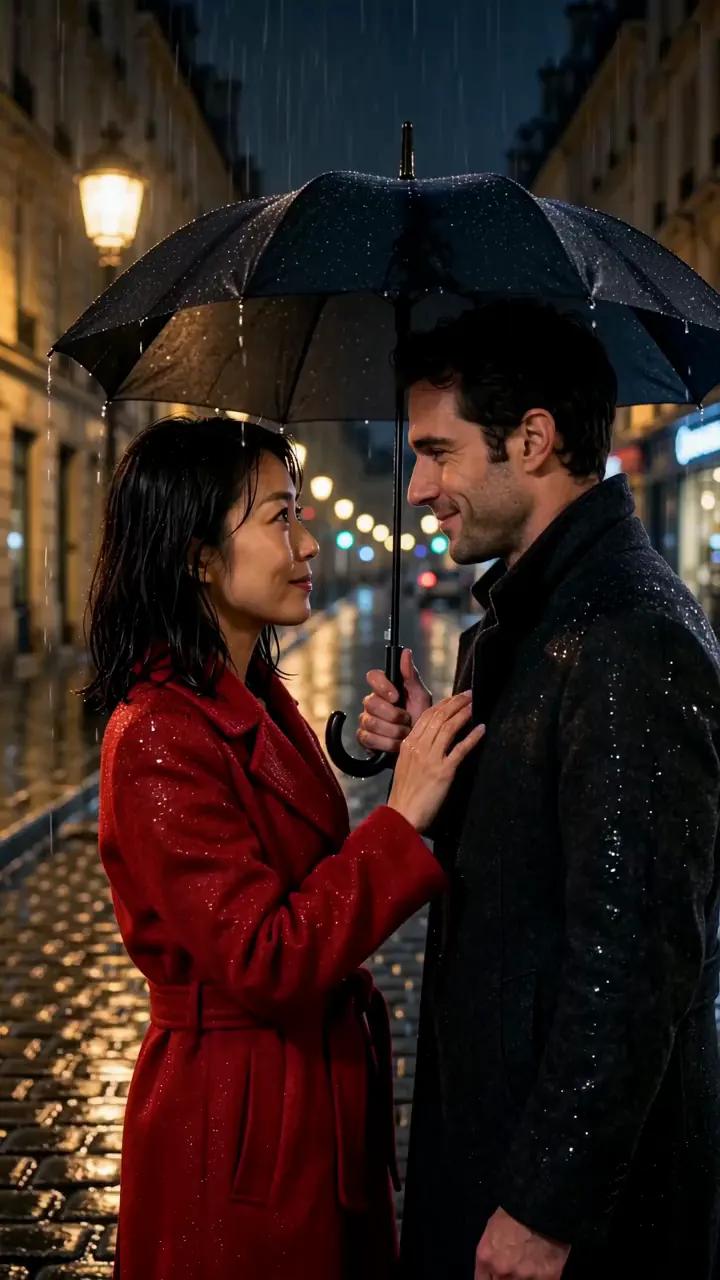
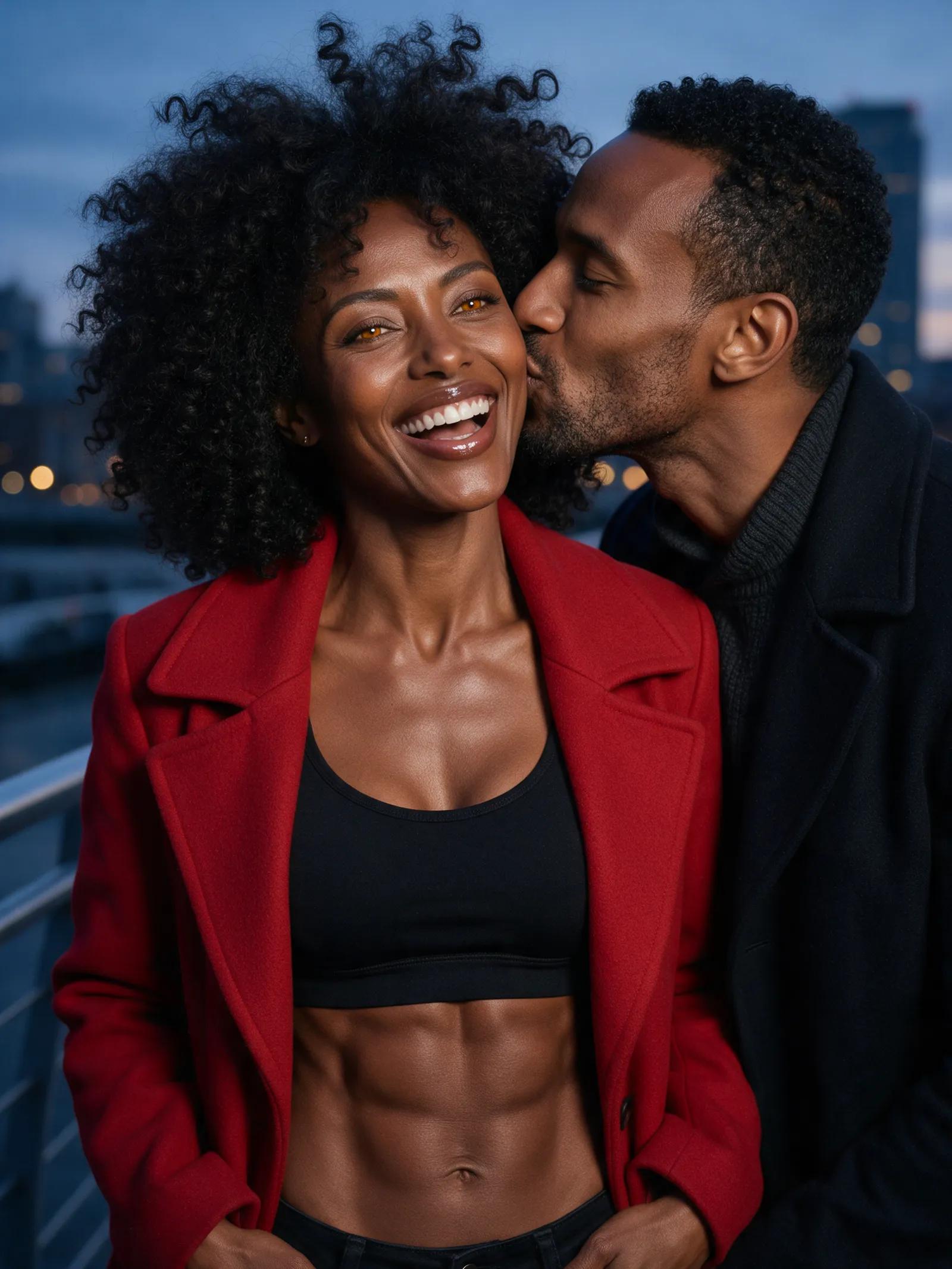
“A 30-year-old Japanese woman in a red coat and a 32-year-old man in a dark coat stand close together under a black umbrella on a rainy Paris street at night and share a tender kiss, street lamps reflecting on the wet cobblestones. Romantic, soft bokeh, natural realistic movement, static camera.”
Prompt to motion
Describe the fictional couple, setting, clothing, lighting, and mood. Add details like slow motion, a glowing sunset, or soft bokeh to guide the look.
Pick a video engine, then select 720p or 1080p. Choose 9:16, 1:1, or 16:9 to fit your screen.
Your finished clip lands in your private account library. Watch it there whenever you like or download it.
Chemistry meets cinema
Duo and kiss scenes are built into the studio. Turn lingering glances, gentle movement, and a perfectly timed kiss into a short video.
Wan 2.2 is fast, while Wan 2.7 creates stable clips with sound. Wan 3.0 delivers the most detail, its own soundtrack, and clips up to 30 seconds long.
Start with an image and turn it into a moving scene. You can use your own photo; using photos of other real people requires their consent.
Wan 2.7 creates stable videos with sound. Wan 3.0 pairs detailed visuals with its own soundtrack.
Create videos in 720p or 1080p. Go vertical with 9:16, choose 1:1 for a square frame, or use 16:9 for a widescreen feel.
Signing up is free, and confirming your email gives you a small starter credit. When you need more, buy a one-time credit pack with no subscription.
Write a prompt describing the fictional couple, location, lighting, clothing, camera movement, and mood. Choose your video engine, resolution, and aspect ratio, then start creating in the studio.
Signing up is free, and you receive a small starter credit after confirming your email. Additional credits come in one-time packs with no subscription; an image costs a few credits, while a five-second clip costs more.
Yes. Ferkelkram supports image-to-video, duo, and kiss scenes, so you can animate your own photo or use another real person’s photo with their consent.
Describe who is in the scene, what they are wearing, where they are, and how you want the lighting to feel. Phrases like “golden sunset,” “gentle slow motion,” and “soft city bokeh” give the clip a clear cinematic direction.
Wan 3.0 can create clips up to 30 seconds long. Generation takes a few minutes, depending on the video you create.
Yes. Wan 2.7 creates stable clips with sound, while Wan 3.0 produces highly detailed video with its own soundtrack.
You can create videos in 720p or 1080p. Available aspect ratios are 9:16 for vertical video, 1:1 for square posts, and 16:9 for widescreen scenes.
Describe the glance, the setting, and the flutter in the air, then let the studio set it all in motion.