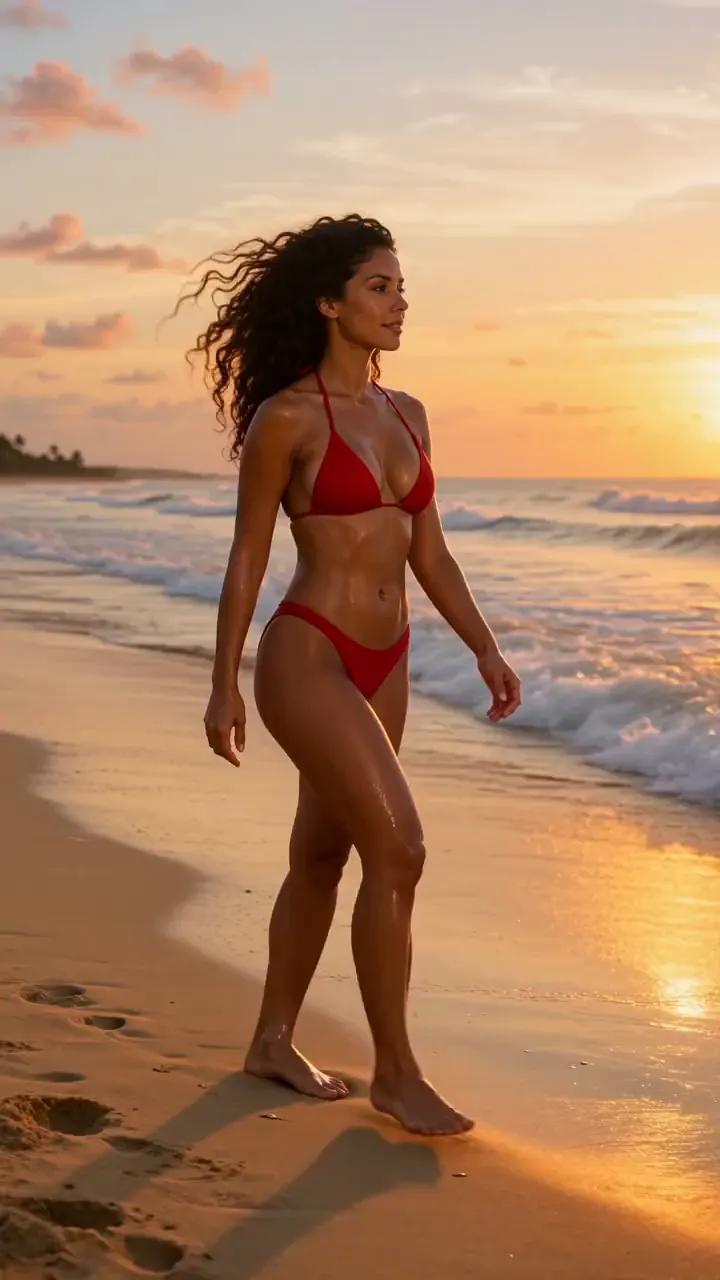
Sunset shoreline
“A 28-year-old Brazilian woman with golden tan skin, long dark curls and a curvy figure walks along a beach at sunset in a red bikini, waves rolling in, she looks back and smiles. Cinematic, warm light, slow motion.”
Ideas in motion
This AI video generator turns your scene description into a cinematic clip. Choose Wan 3.0 for rich detail, a custom soundtrack, and scenes up to 30 seconds long.
Four quick escapes
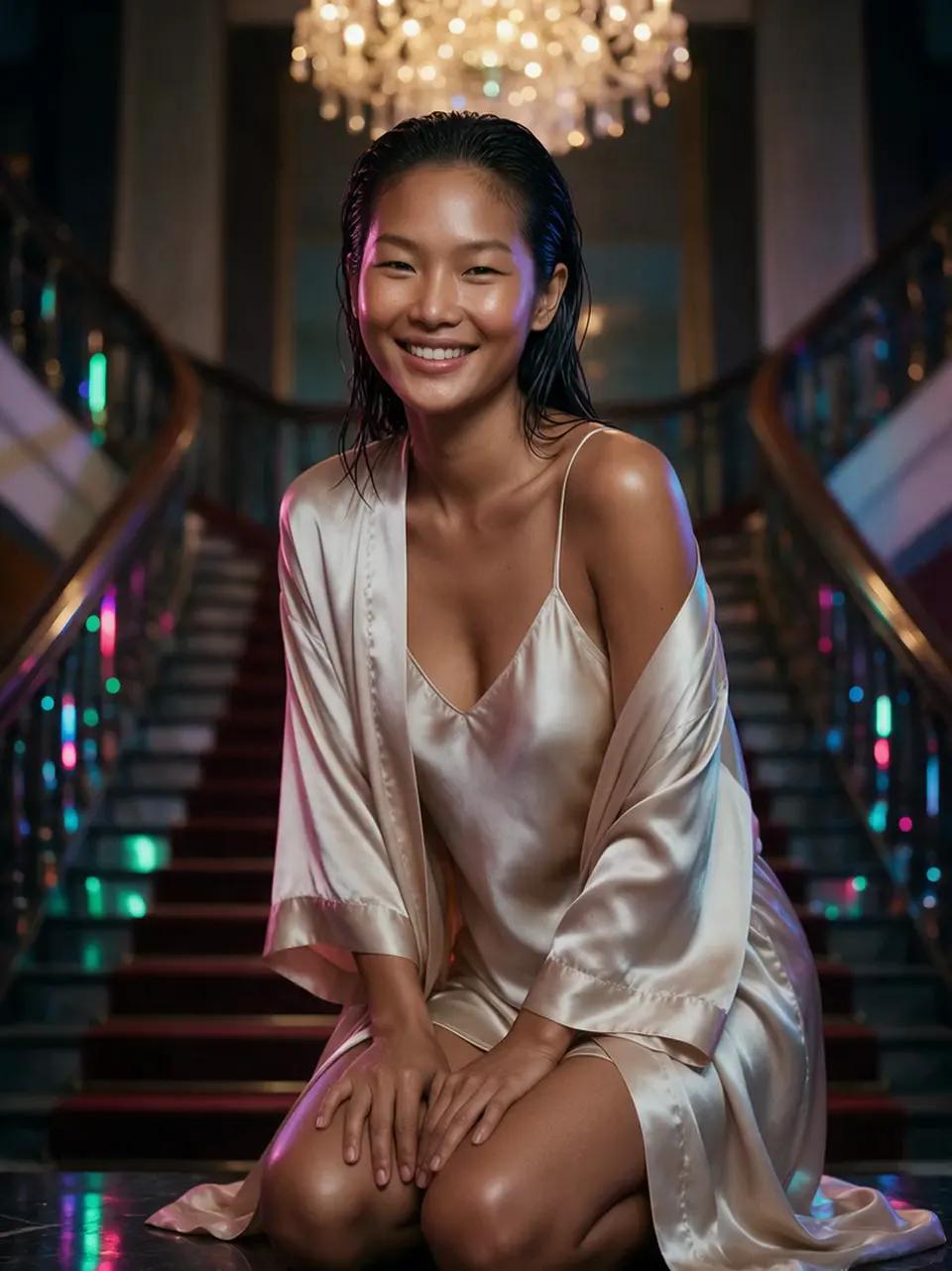
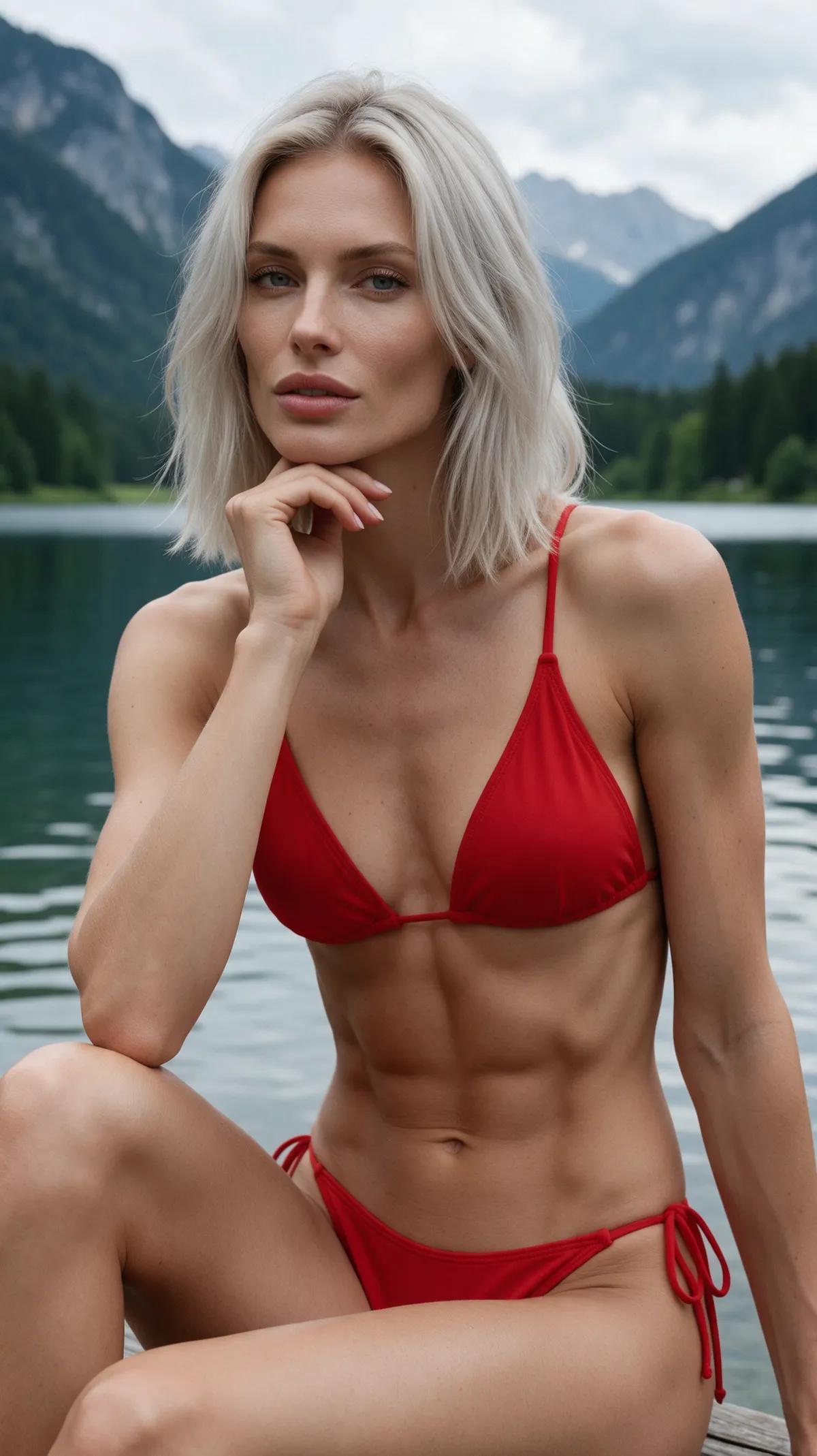
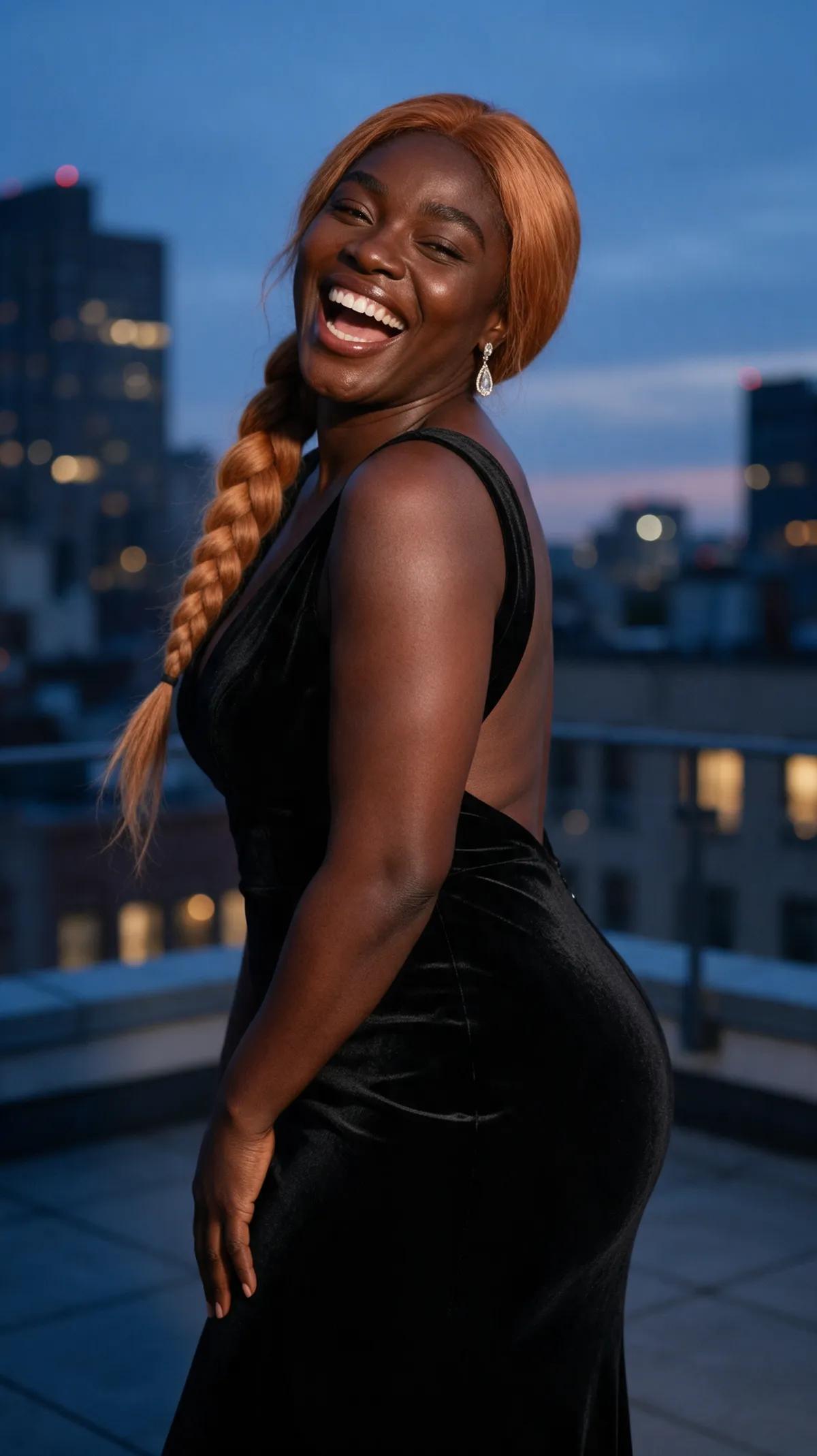
Every showcase clip was made in the Ferkelkram studio and comes with its exact prompt and an “Open in studio” button.
“A 28-year-old Brazilian woman with golden tan skin, long dark curls and a curvy figure walks along a beach at sunset in a red bikini, waves rolling in, she looks back and smiles. Cinematic, warm light, slow motion.”
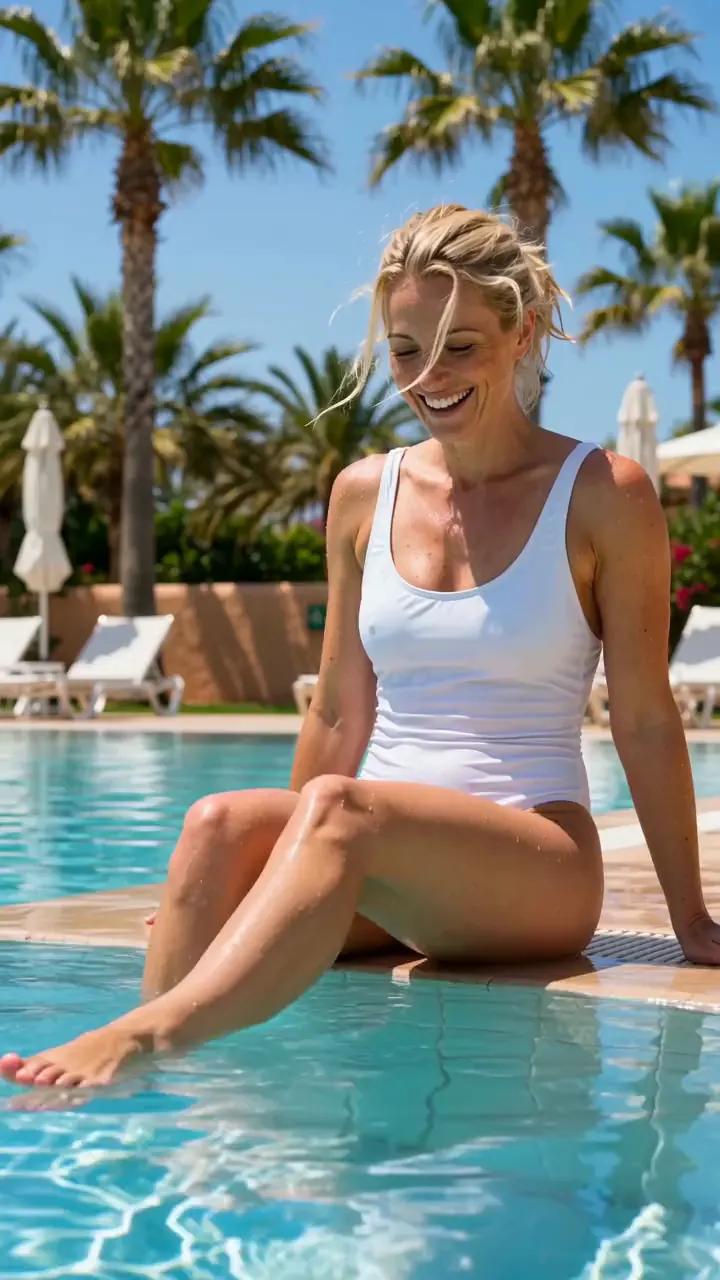
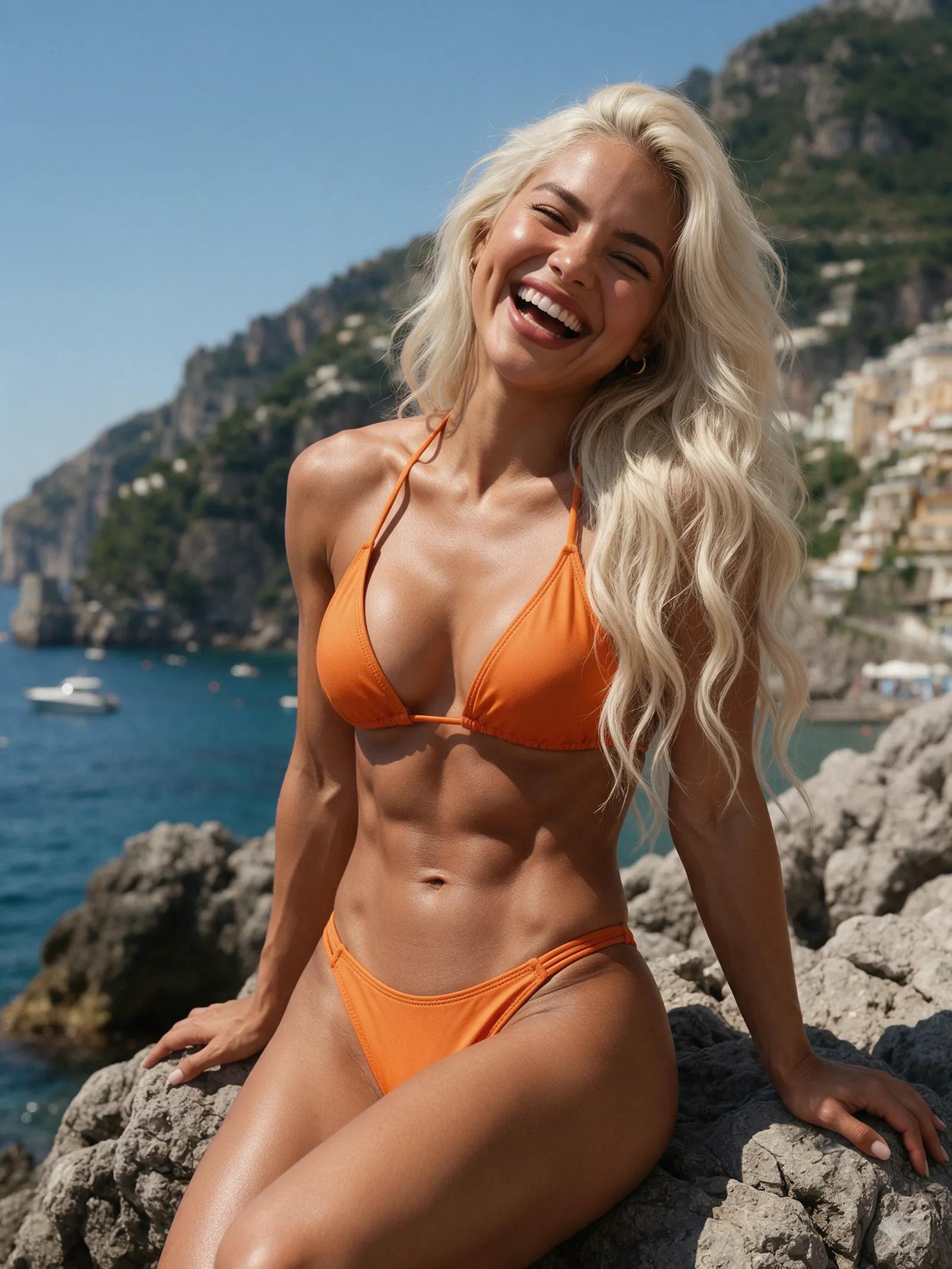
“A 31-year-old Swedish woman with platinum blonde hair and an athletic figure in a white swimsuit sits on the edge of a turquoise pool, kicks her feet in the water and laughs, palm trees and sun loungers behind her. Bright summer light, natural realistic movement, static camera.”
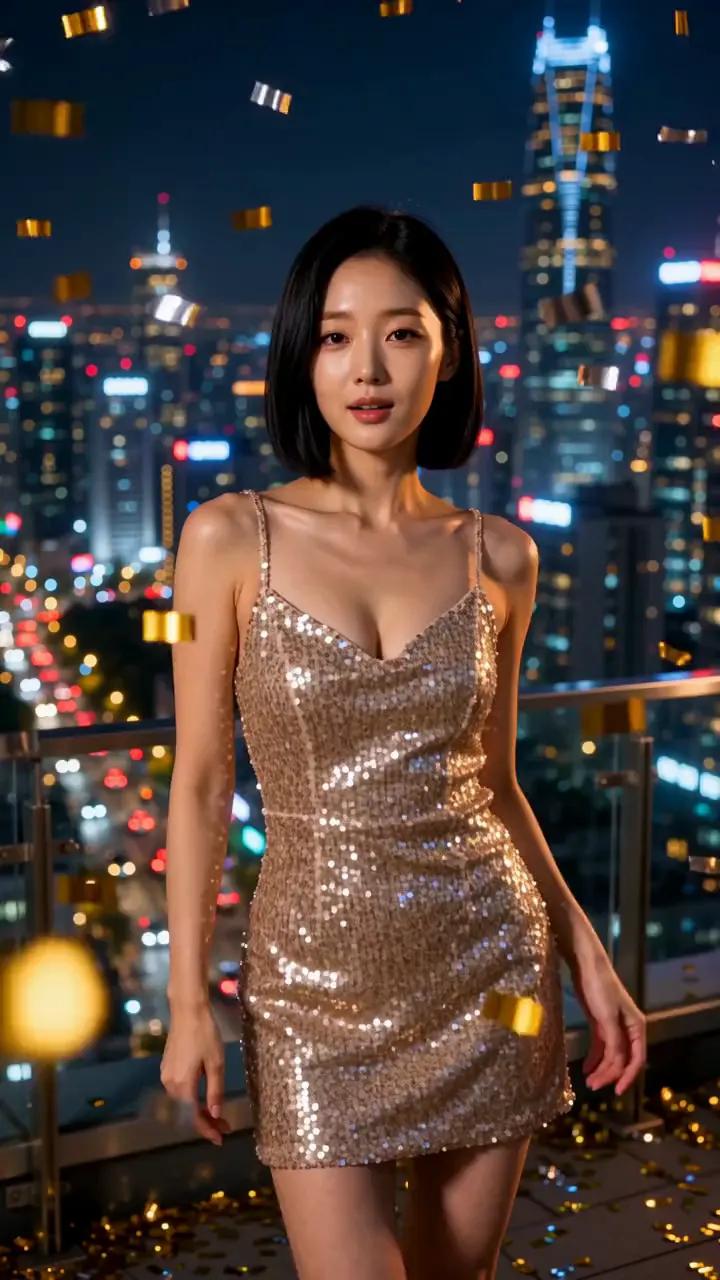
“A 26-year-old Korean woman with a sleek black bob in a champagne sequin dress dances gently at a rooftop party at night, city lights behind her, confetti in the air. Vertical shot, natural realistic movement, static camera.”
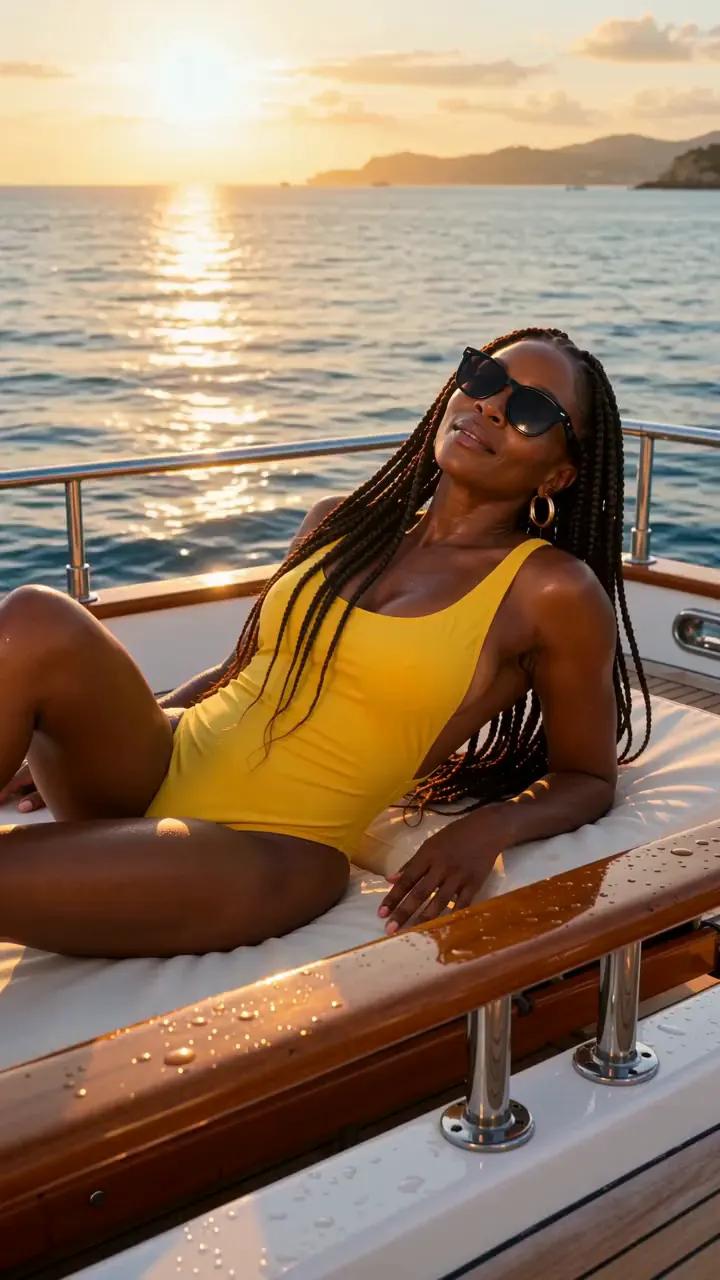
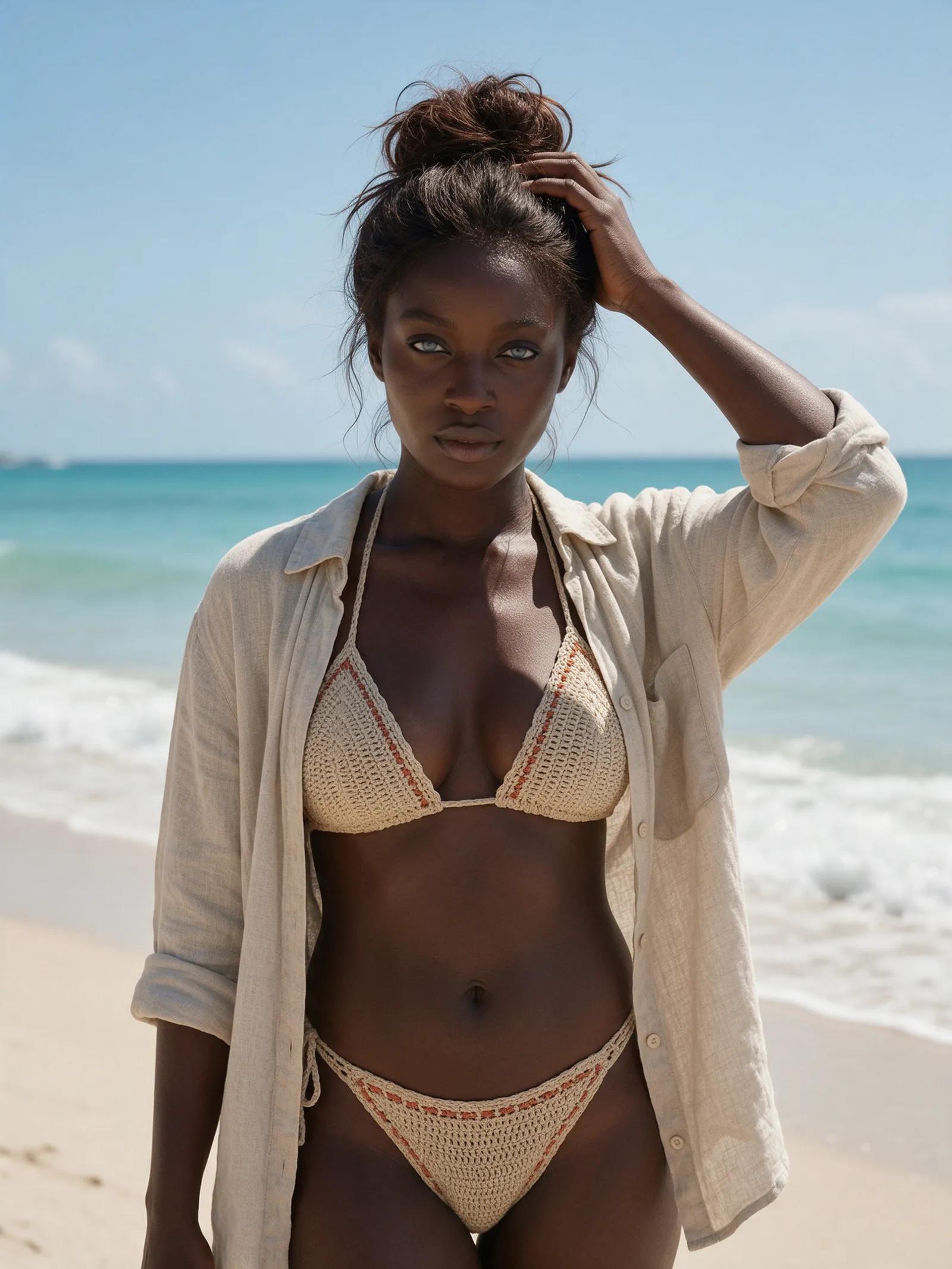
“A 34-year-old Nigerian woman with long box braids and a voluptuous figure in a yellow one-piece swimsuit lounges on a yacht, then raises her sunglasses and winks at the camera. Golden hour.”
From words to wow
Write who appears, what happens, and how the moment should feel. Add details like warm light, slow motion, or a cinematic camera angle.
Select 9:16, 1:1, or 16:9, then choose 720p or 1080p and the video engine that best fits your scene.
Your finished video lands in your private account library. Watch it there, then download it whenever you’re ready.
The tool turns a written description into moving images. You set the person, place, action, lighting, mood, and camera style; the model builds a clip from those details. It’s ideal when you don’t have a starting image and want to create motion straight from words. Picture warm sunset light on skin, waves slipping over the sand, or confetti drifting above a rooftop as the city glows behind it.
Strong prompts begin with one clear subject and one clear action. Then add wardrobe, location, time of day, lighting, pace, and framing, such as a cinematic close-up or smooth slow motion. Specific direction helps the model keep the scene coherent. Instead of cramming several ideas into one prompt, focus on a single beat: a fictional woman walks along the shoreline, glances back, and smiles as the surf rolls in.
The right engine depends on the result you want. Wan 3.0 offers the most detailed output, creates its own soundtrack, and supports clips up to 30 seconds. Wan 2.7 focuses on stable video with sound, while Wan 2.2 is the faster option. Choose 9:16 for vertical scenes, 1:1 for square compositions, or 16:9 for a wide cinematic frame. Output is available in 720p or 1080p.
Registration is free, and confirming your email adds a small starter credit to your account. After that, you can buy one-time credit packs whenever you need them—no subscription required. An image costs a few credits, while a five-second video clip costs more. Each result stays in your private library, ready to watch and download. You can also open any showcase prompt in the studio and use it as a starting point for your own scene.
Explore image to video, the AI image generator, image editing, photo shoots using your own photo, outfit changes, and scenes featuring duos or kisses.
Describe a scene, then choose the format, resolution, and video engine. The model turns your directions into motion, and the finished clip appears in your private library after a few minutes.
Registration is free. Once you confirm your email, you’ll receive a small starter credit to try the studio. Additional credits are available in one-time packs with no subscription.
Wan 3.0 supports clips up to 30 seconds. A five-second clip costs more credits than an image, and the required amount depends on your video settings.
Yes. Wan 2.7 creates stable clips with sound, while Wan 3.0 produces highly detailed video with its own soundtrack.
You can create videos in vertical 9:16, square 1:1, or widescreen 16:9. Choose either 720p or 1080p output.
Describe the main subject, action, setting, lighting, and mood in concrete language. Add visual direction, such as cinematic framing, warm golden-hour light, or slow motion. One focused action usually gives the model a clearer scene to build.
Yes. Upload your own photo and use the image-to-video tool to bring it to life. You may only upload a photo of another real person with their consent; people created within the studio are fictional and of legal age.
Write the first line, choose your frame, and turn that spark of an idea into a clip.