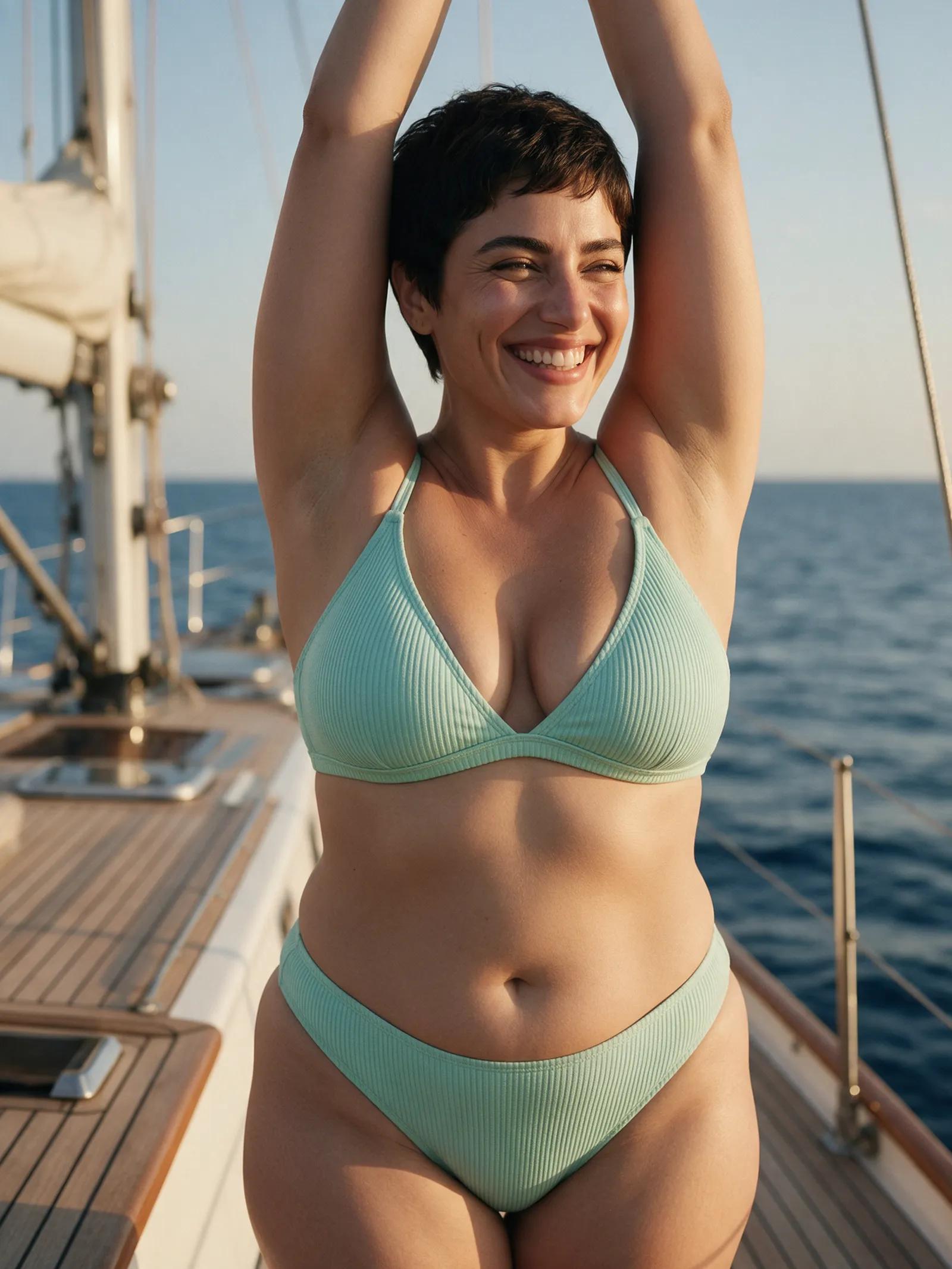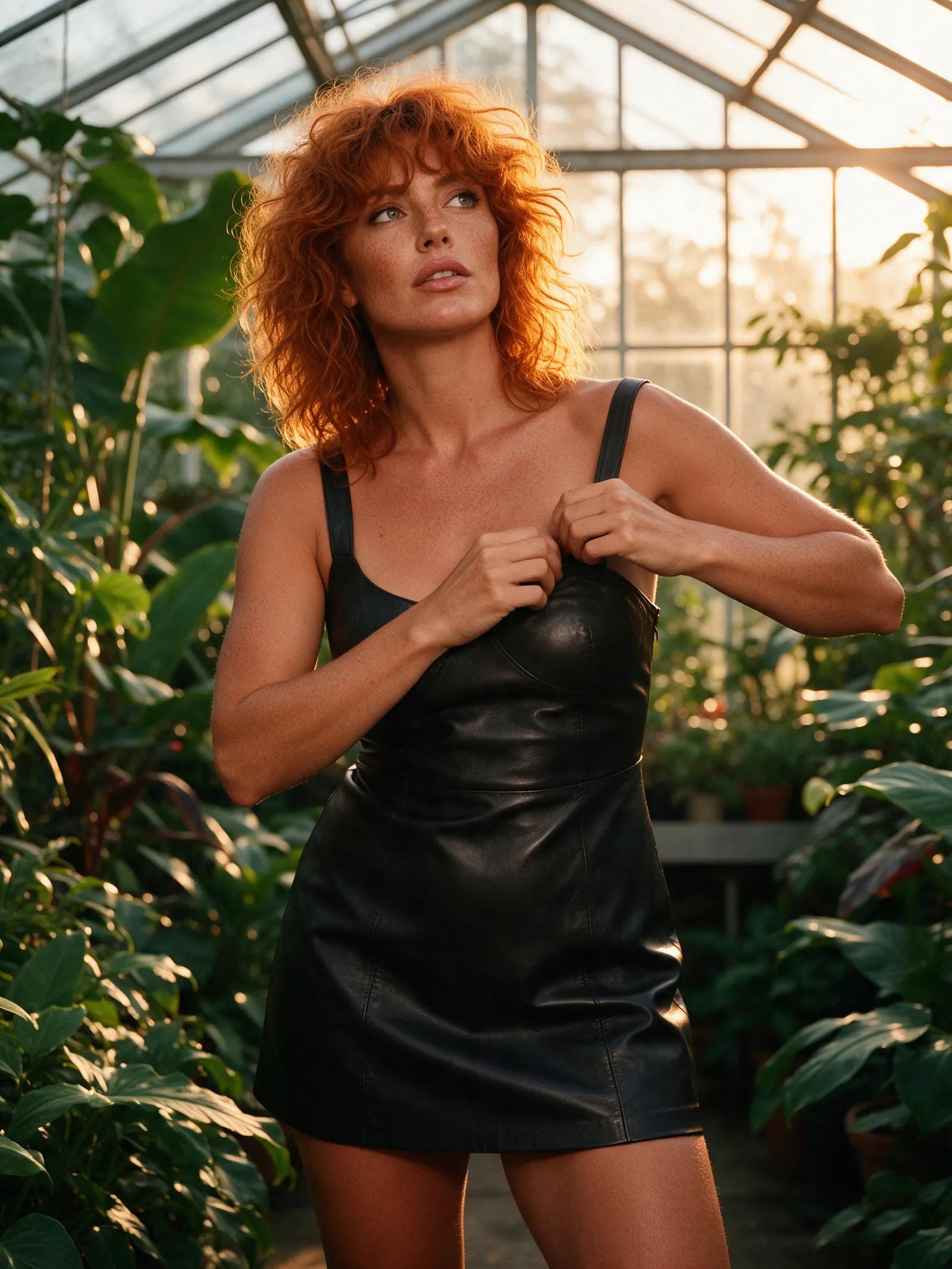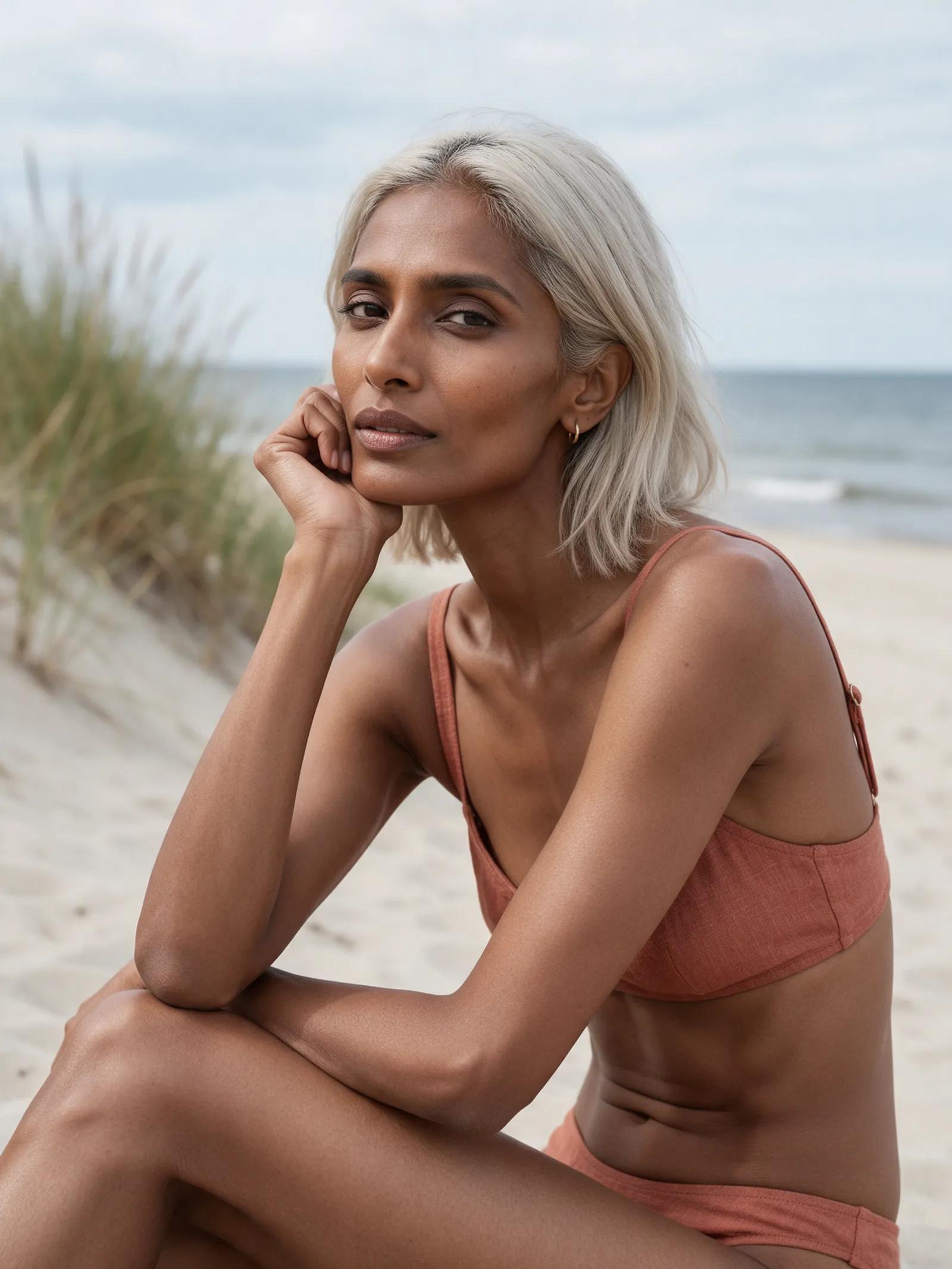
One photo, many looks
AI outfit generator: One photo, endless looks
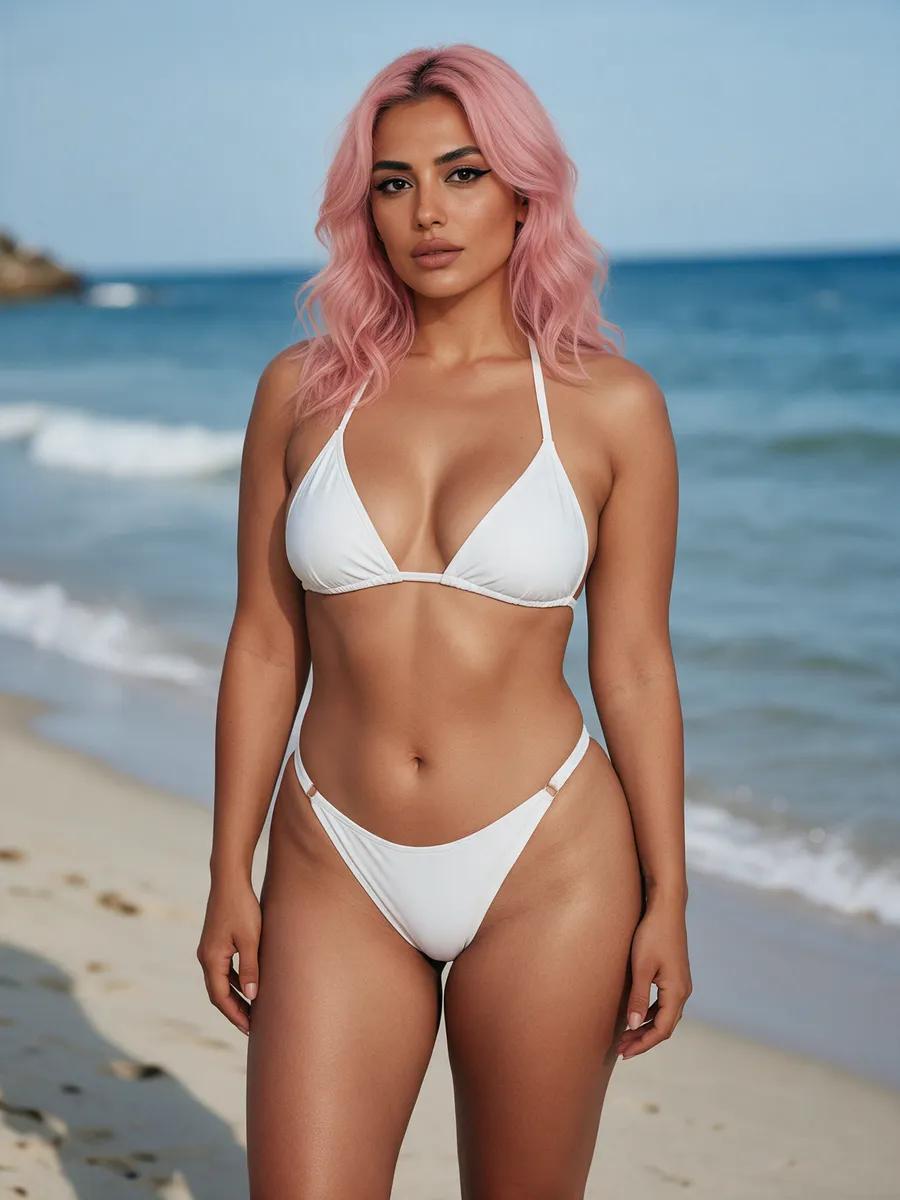
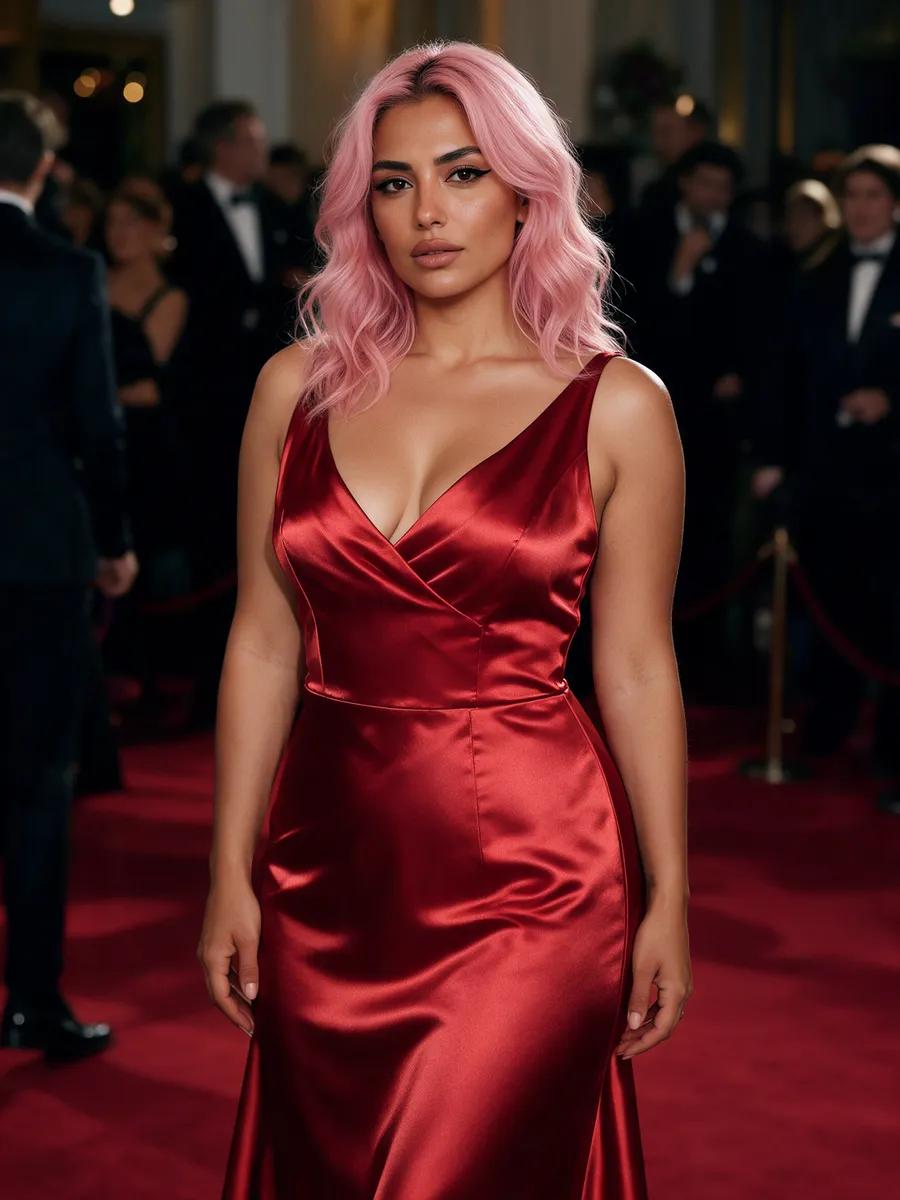
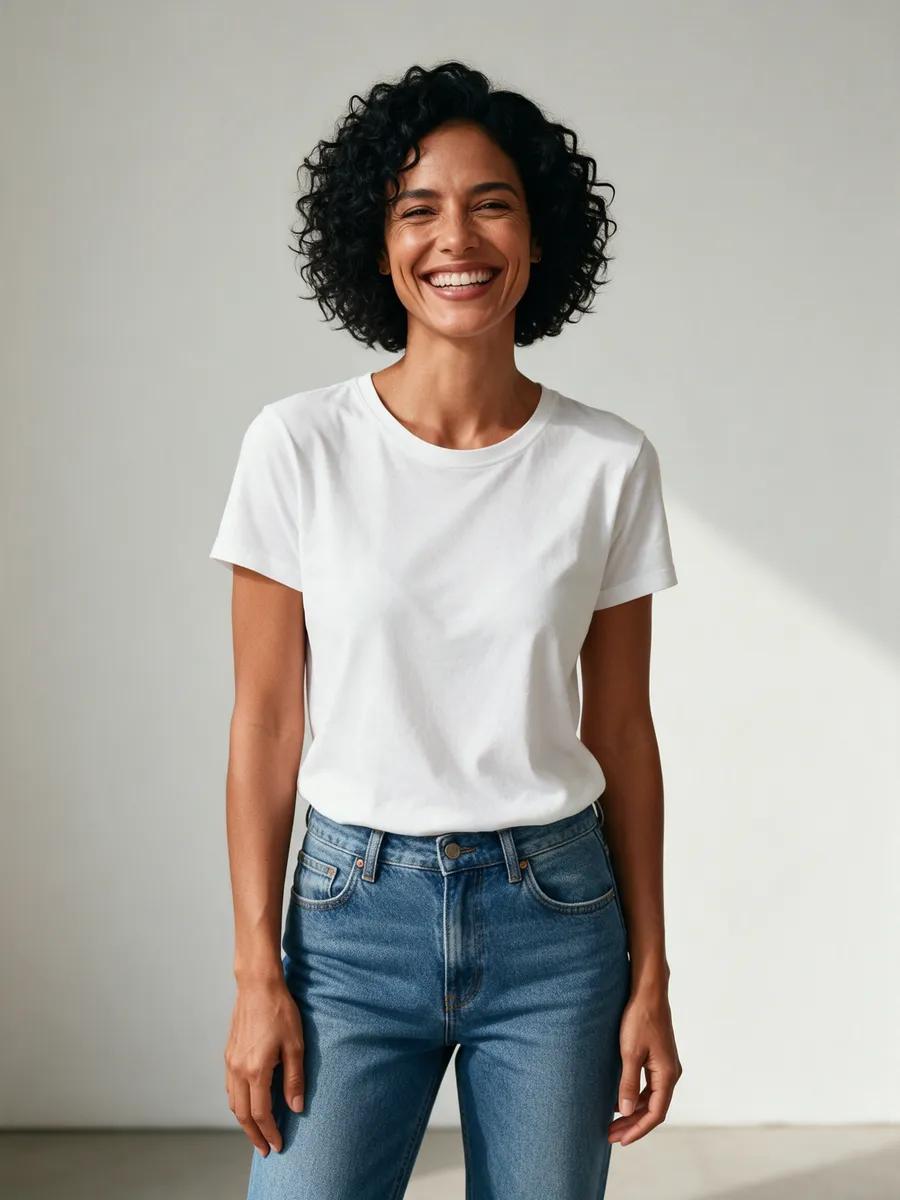
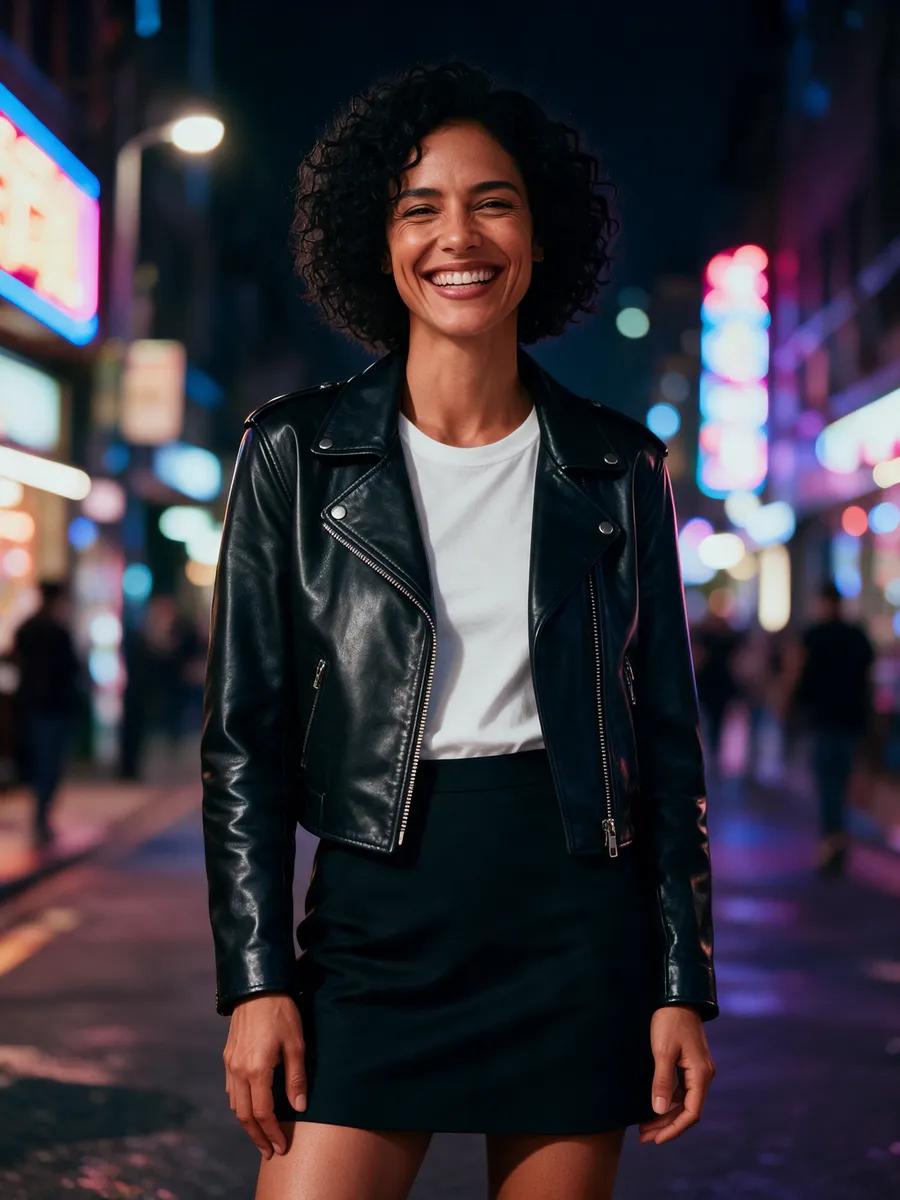
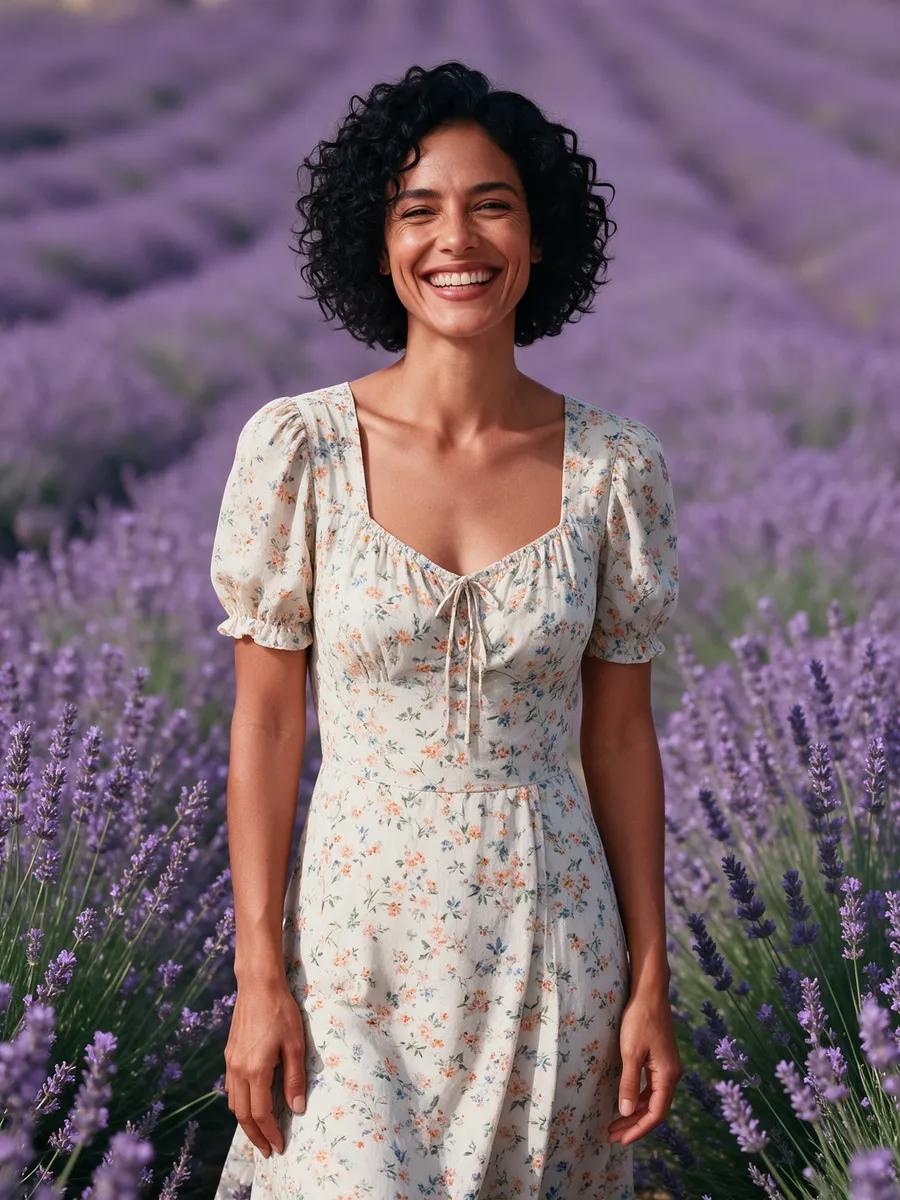
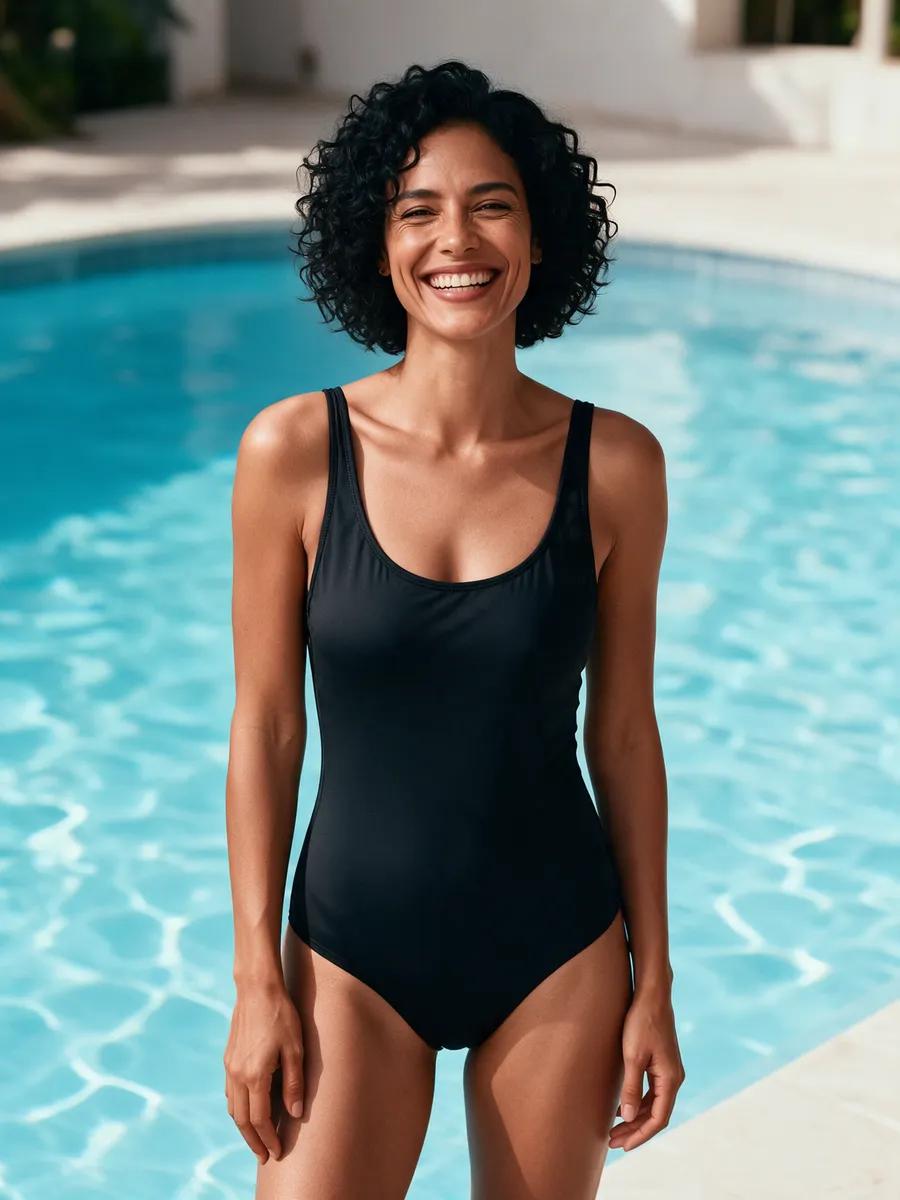
Turn a simple T-shirt and jeans into a beach-ready bikini, a red gala dress, or a sleek streetwear look. Our AI outfit generator restyles clothing and scenery while keeping the face, hair, and figure consistent.
- Keep your features
- Describe any outfit
- Change the setting
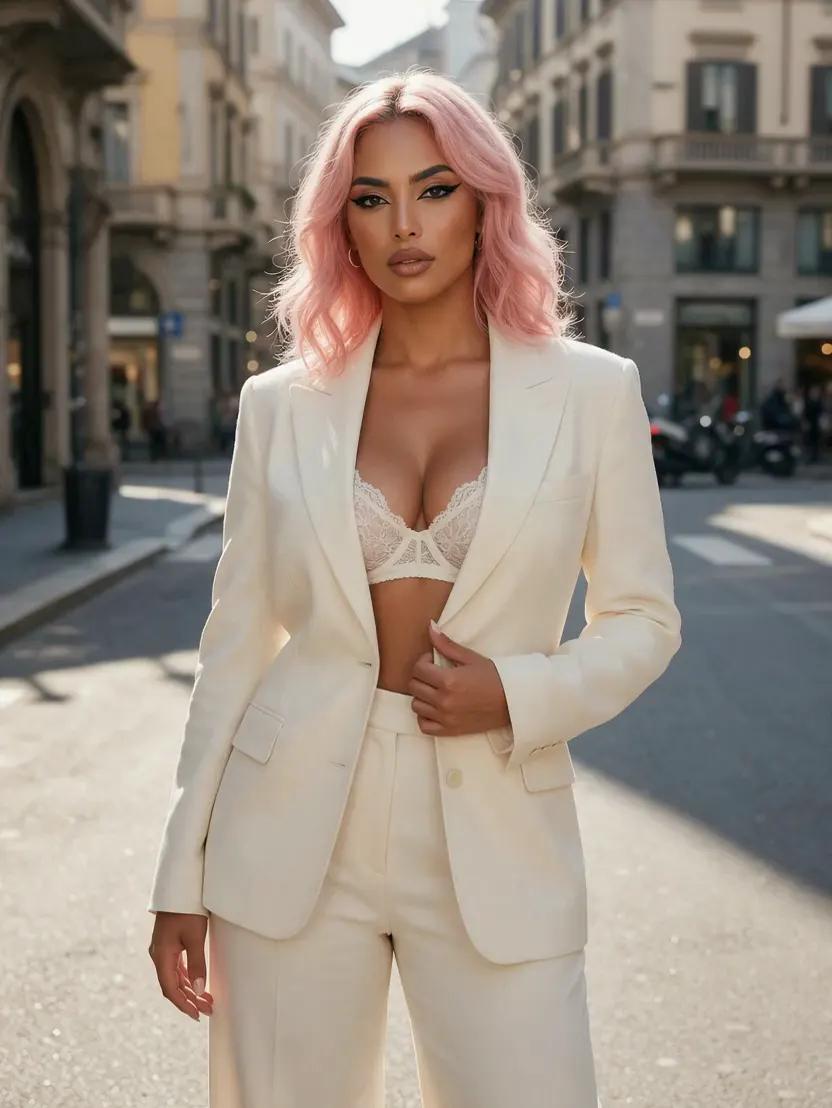
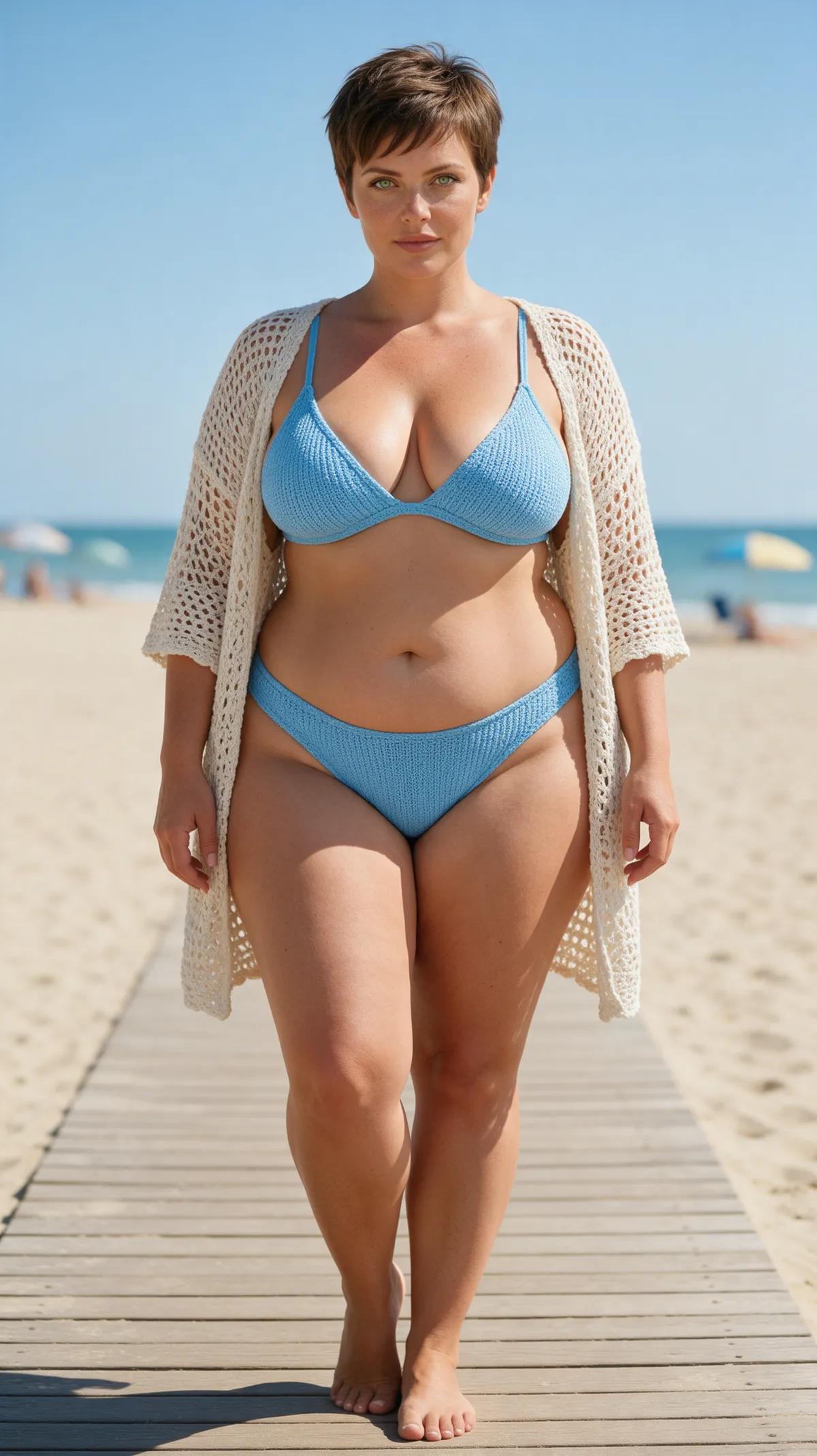
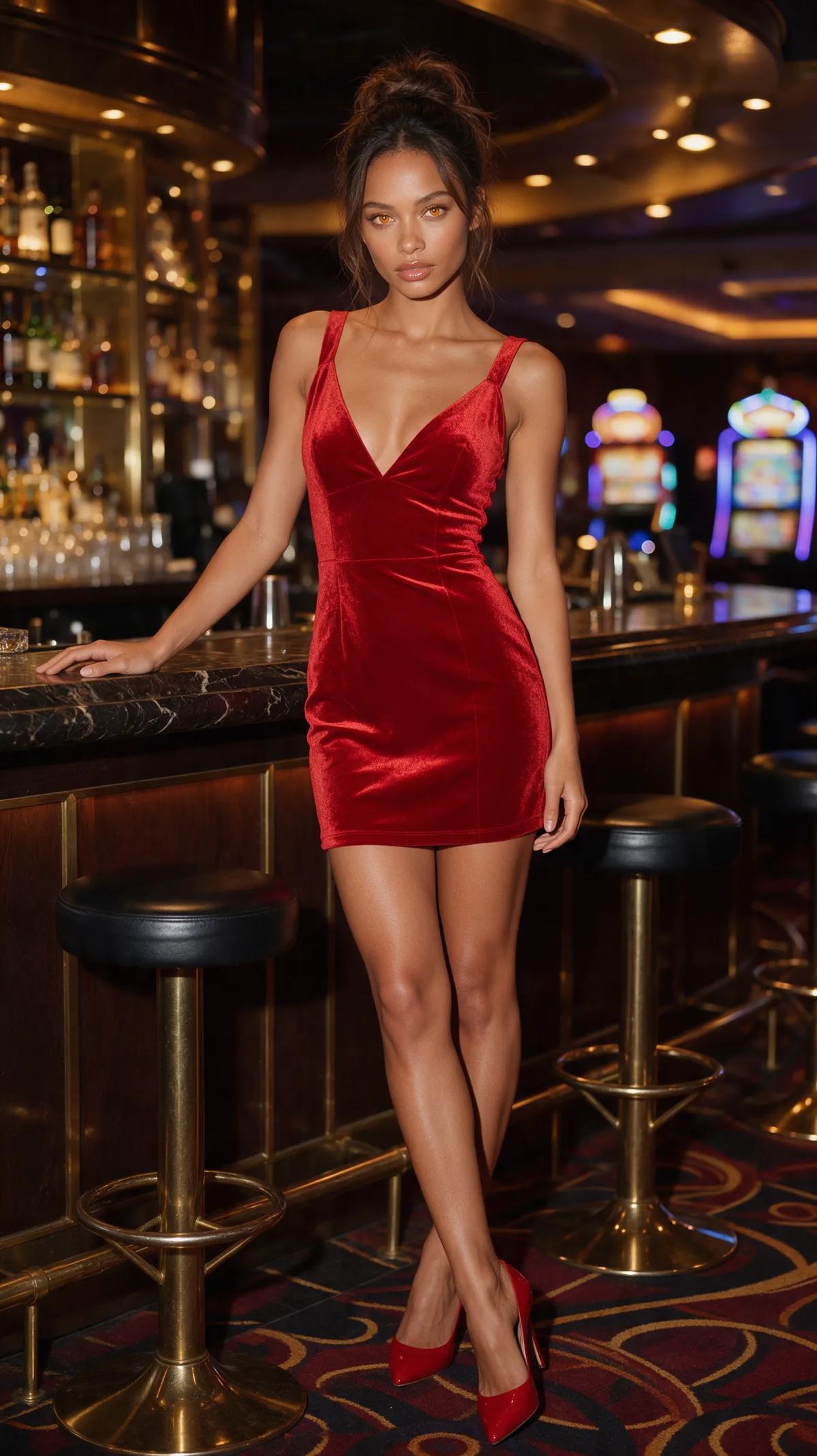
Two women, six looks
From poolside glow to gala glamour
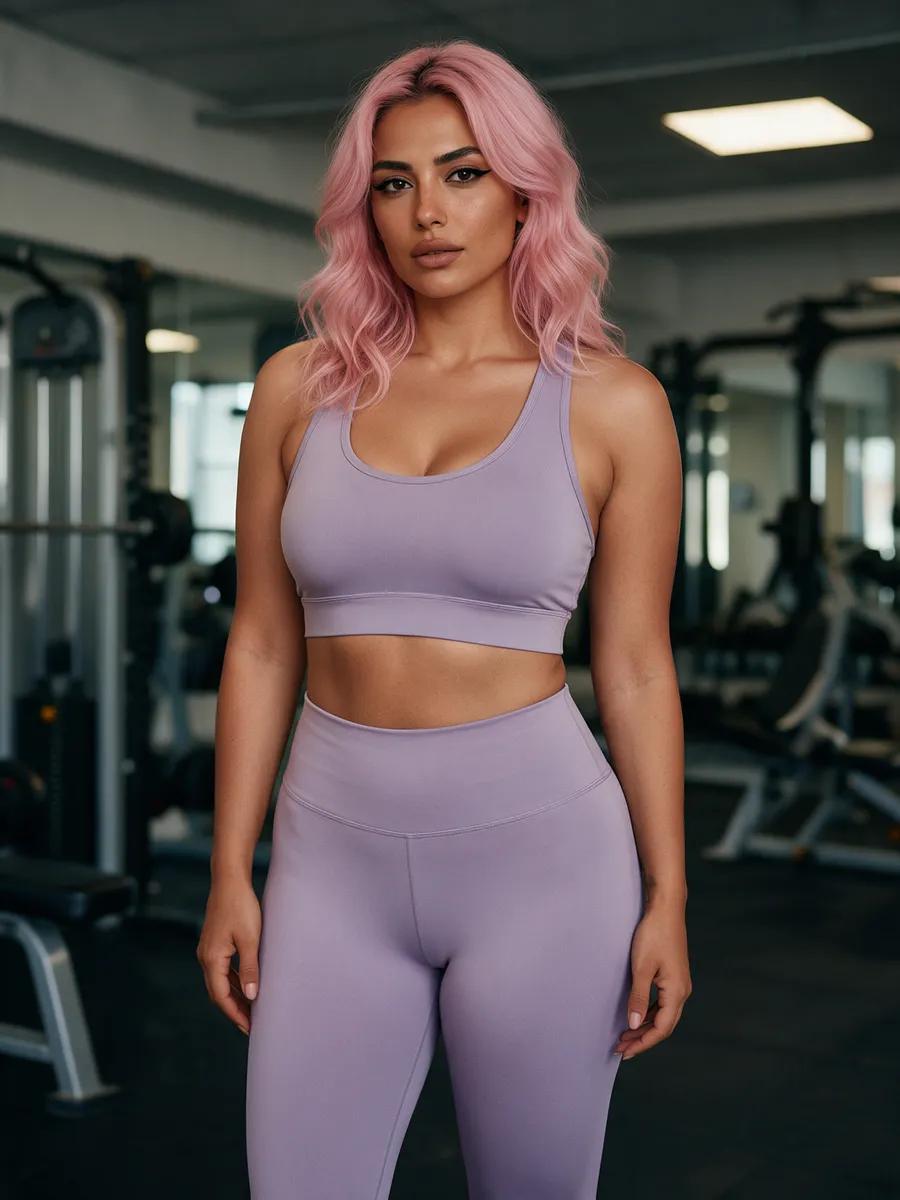
Two source photos become six striking looks with satin shine, sunlit skin, neon reflections, and bright summer color. Every example was created in the Ferkelkram studio and includes the exact prompt plus an “open in studio” button.
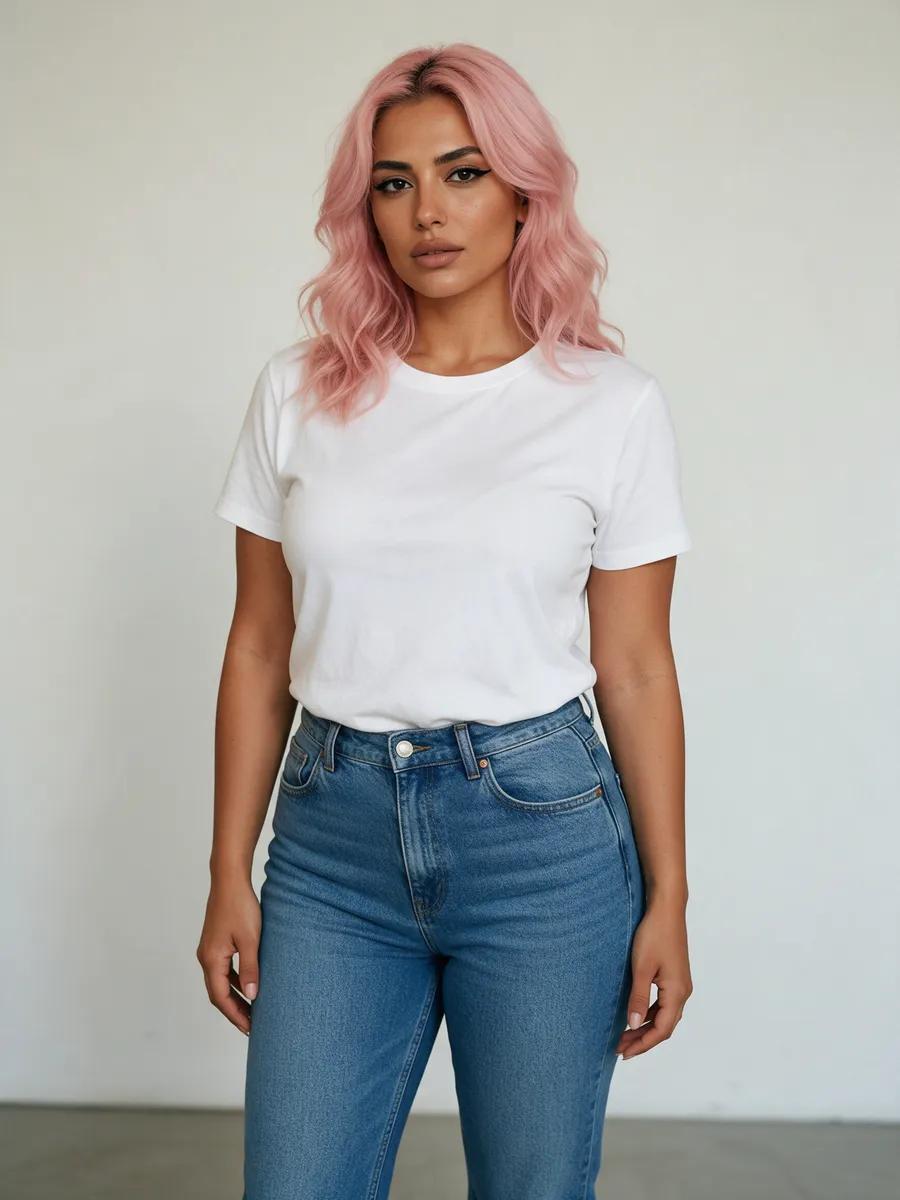
Style it your way
Your new outfit in three steps
- 1
Choose a photo
Upload your own photo or start with a fictional person who is clearly of age.
- 2
Describe the look
Name the clothing, color, fabric, and mood. You can also change the background and lighting in the same instruction.
- 3
Save your favorite
Your finished image lands in your private account library. Download it or keep editing until the whole look feels just right.
Take the look beyond one photo
Explore text-to-image, image-to-video, text-to-video, AI photoshoots, duo scenes, and editing tools for fresh backgrounds, lighting, and motion.
Your outfit generator questions, answered
How does the outfit generator work?+
Upload your own photo or create a fictional person who is clearly of age, then describe the outfit you want. The image editor follows your instructions and can also adjust the setting and lighting.
Can I try it for free?+
Registration is free. Confirm your email to receive a small starter credit, then use credits to create images. Additional credits are available in one-time packs, with no subscription required.
Will my face and body stay the same when I change outfits?+
Tell the editor to keep the face, hair, and body shape consistent while changing the clothing. A clear source image and a precise prompt help preserve the person’s defining features.
Can I change the outfit in my own photo?+
Yes. You can upload your own photo and give it a whole new outfit. You may only upload a photo of another real person if you have their consent.
What kinds of clothing can it create?+
Describe the color, cut, fabric, and overall mood you want. Options can include bikinis, swimsuits, evening dresses, gym sets, leather jackets, miniskirts, and breezy summer dresses.
Can I change the clothing and background together?+
Yes. One instruction can restyle the outfit, background, and lighting, turning a plain studio wall into a warm beach, a glittering gala, a gym, or a neon-lit street.
Where are my images saved?+
Every result goes to the private library in your account. You can view and download your images there.
What are you wearing next?
Upload your photo, describe the outfit and setting, and give your look a fresh new mood.
- Keep your features
- Describe any outfit
- Change the setting