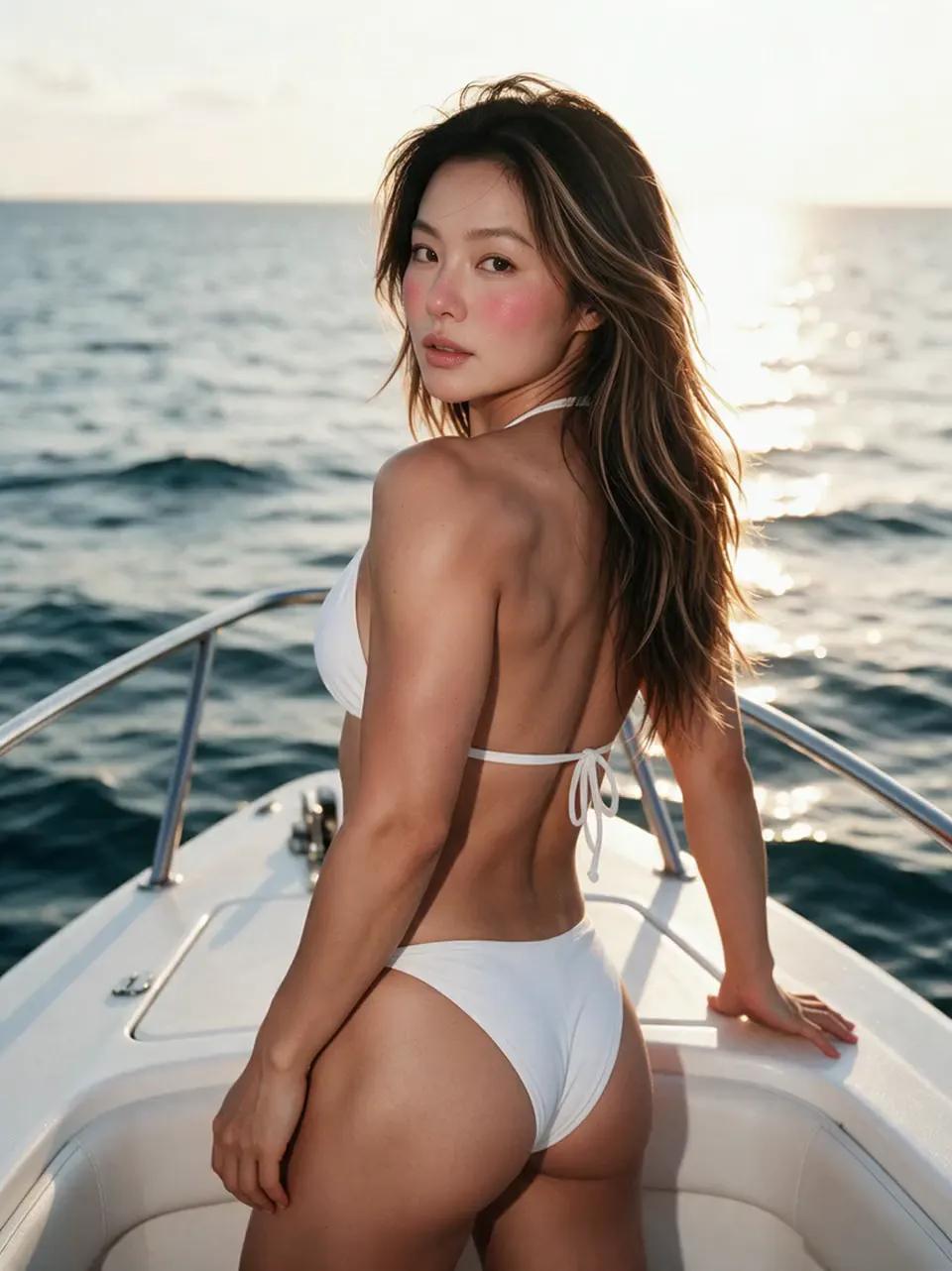
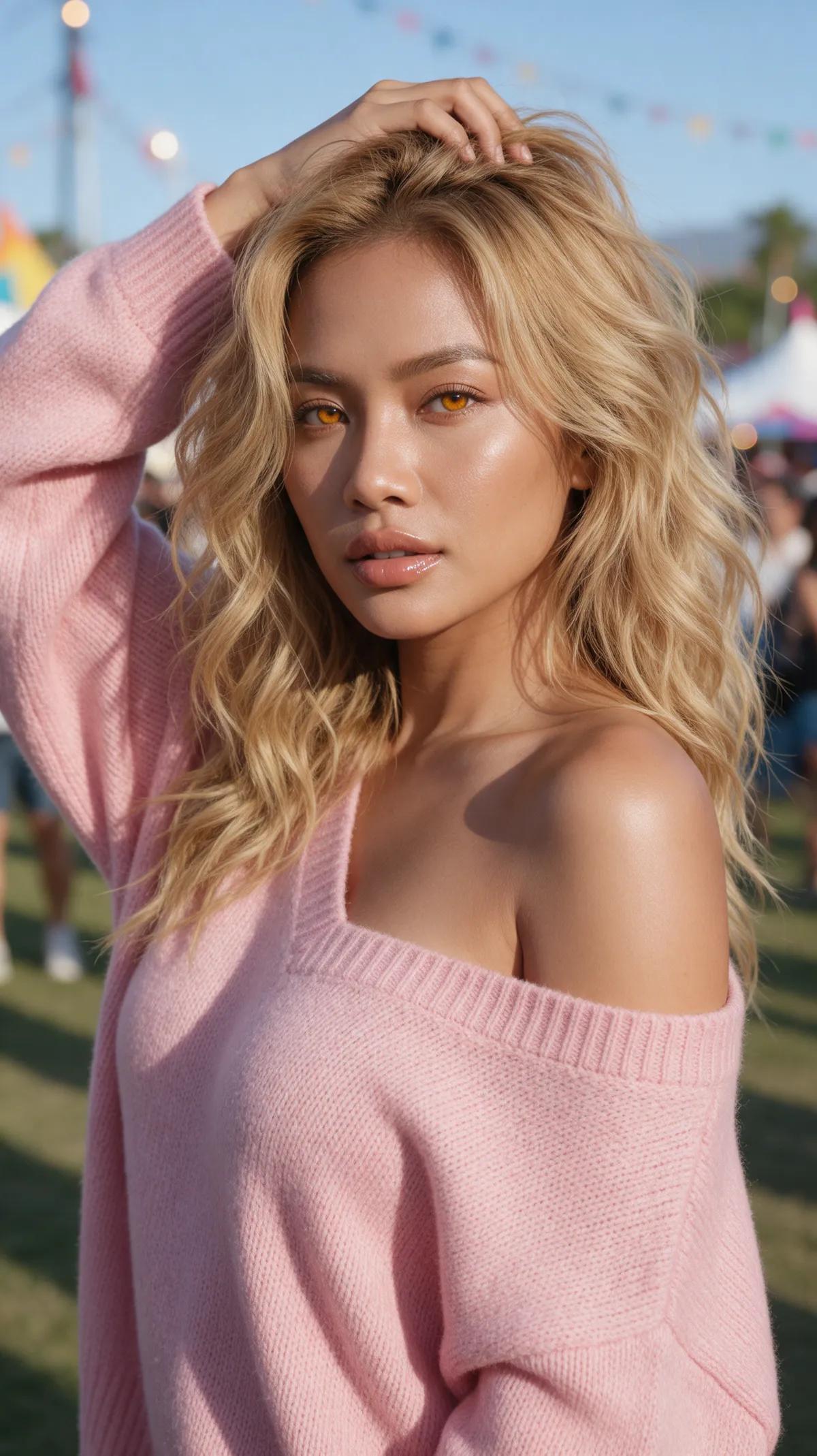
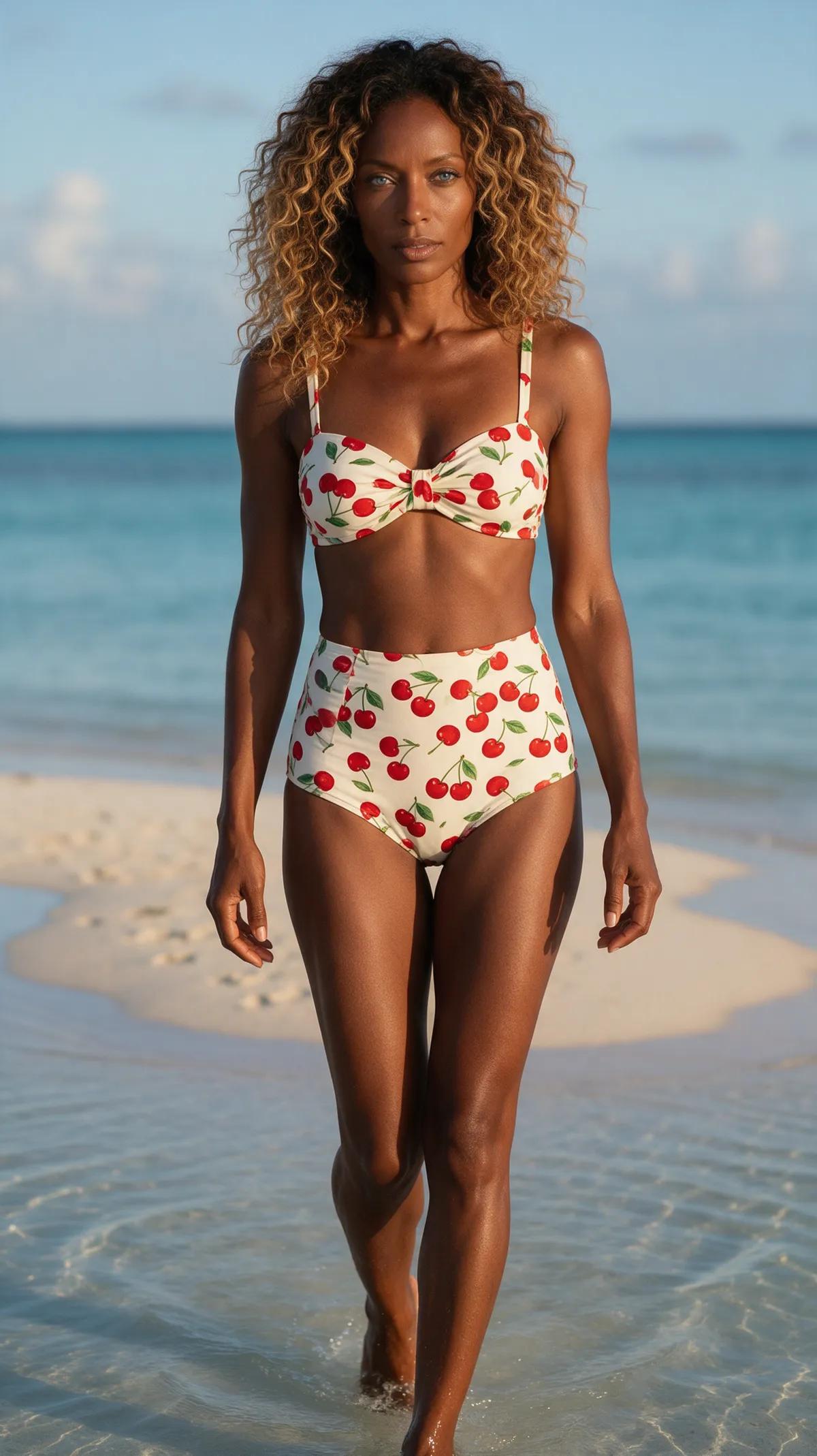
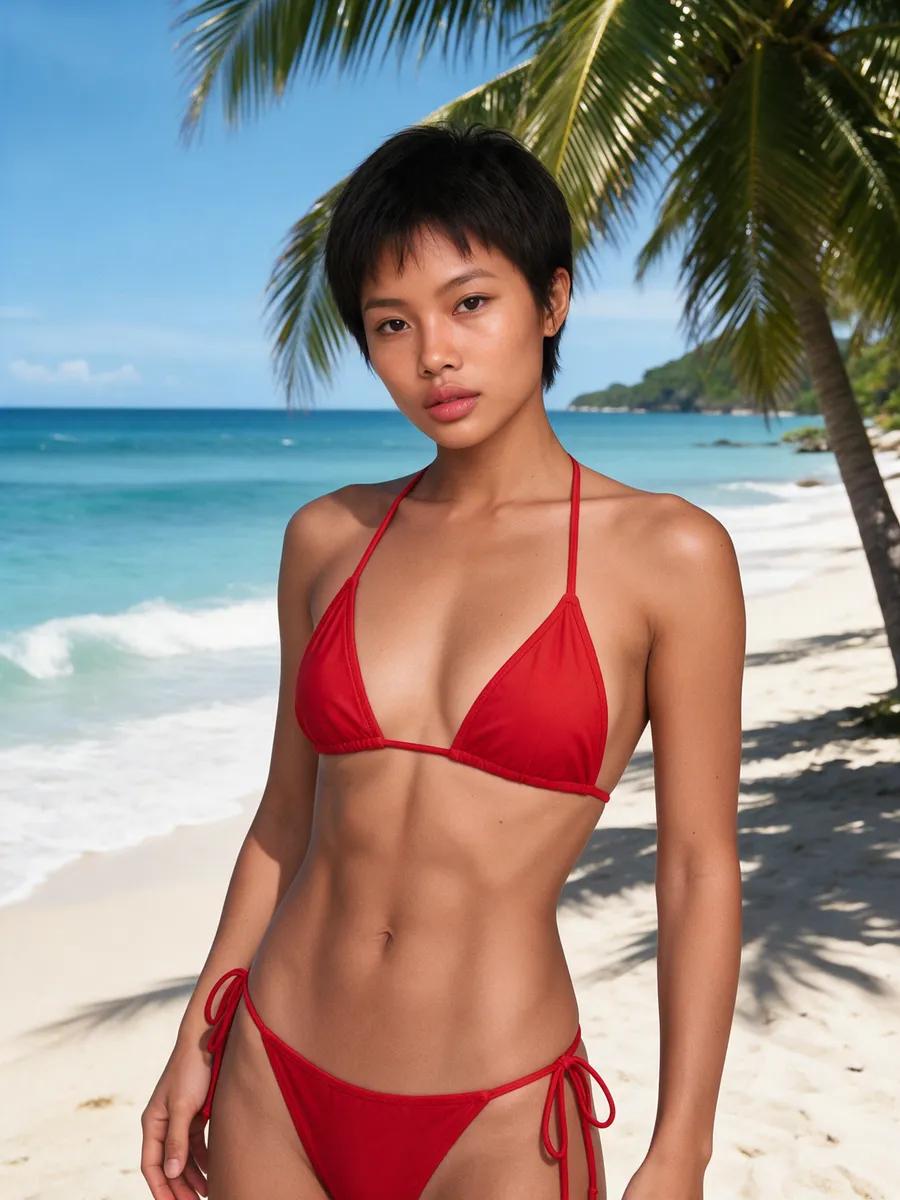
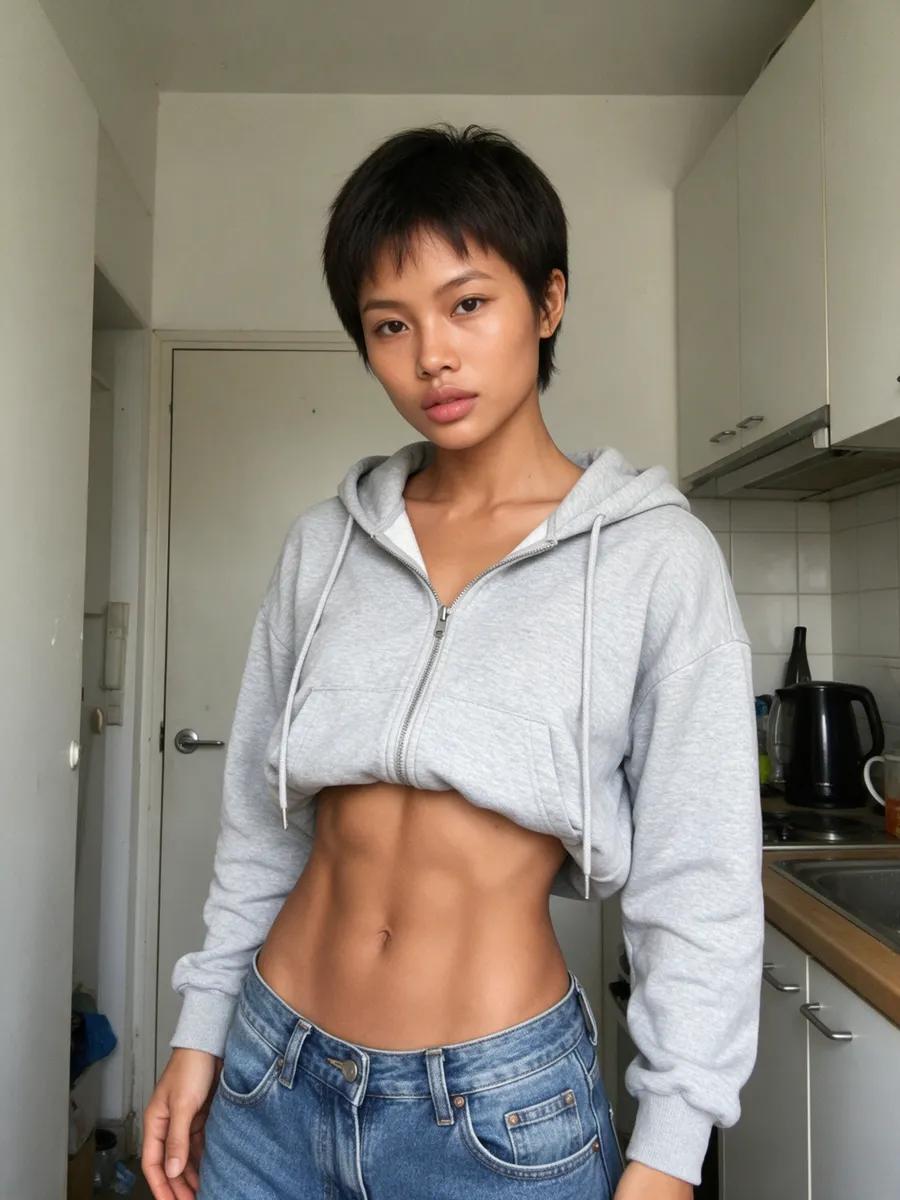
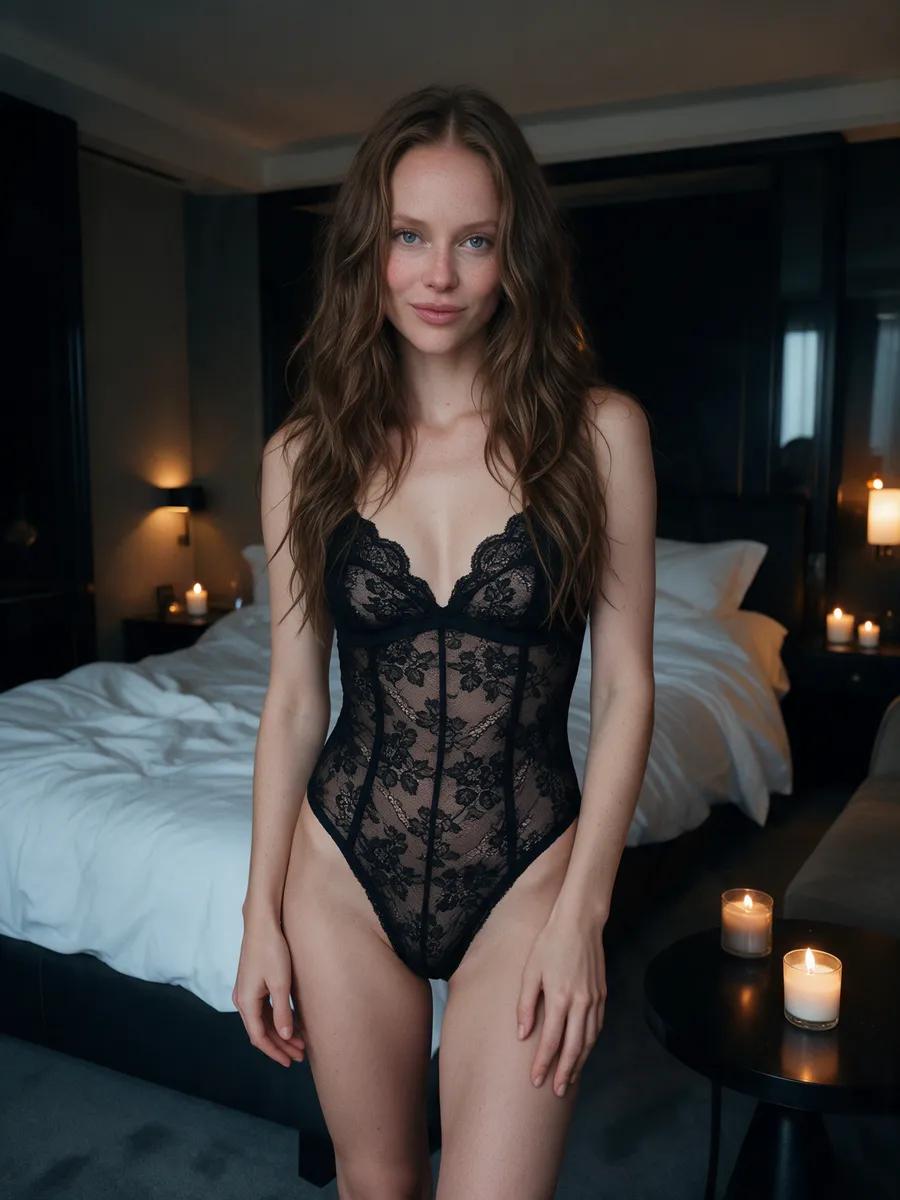
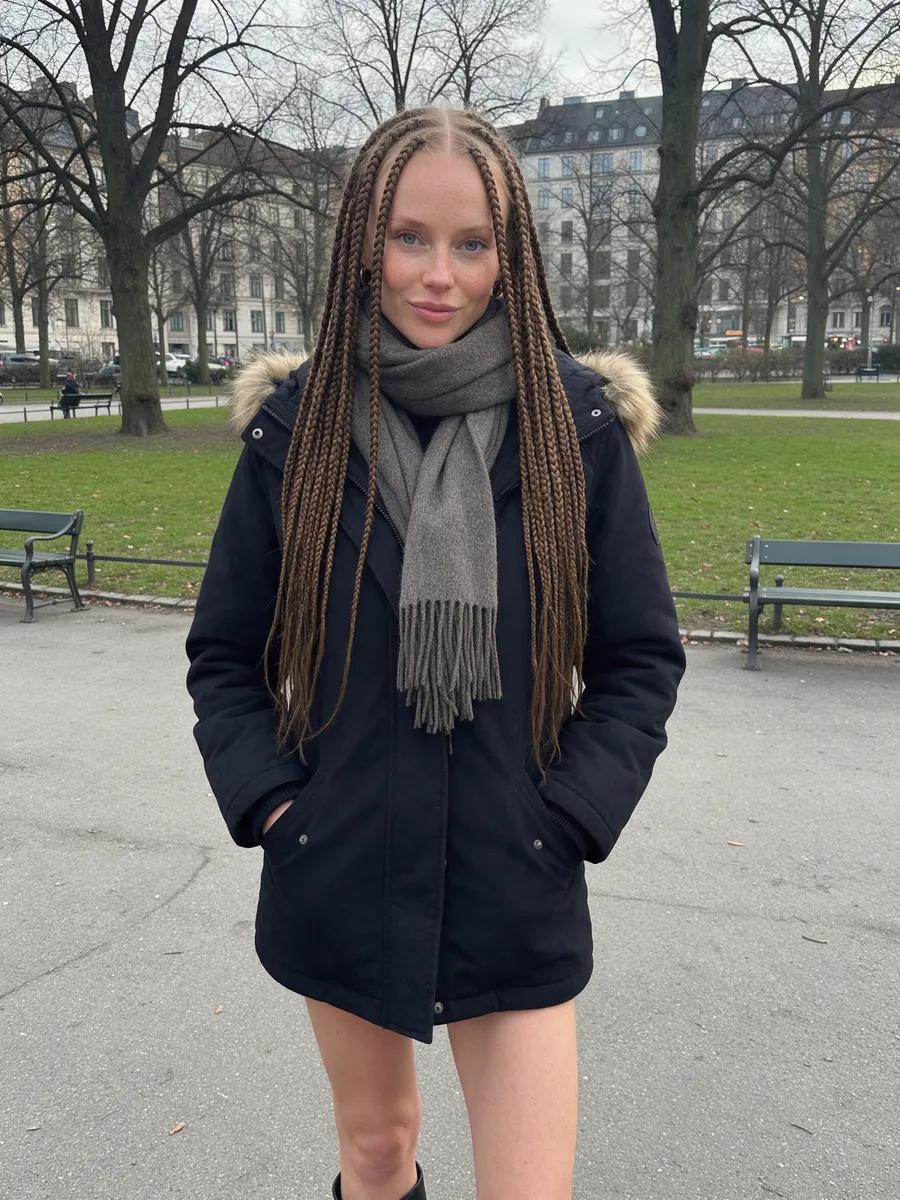
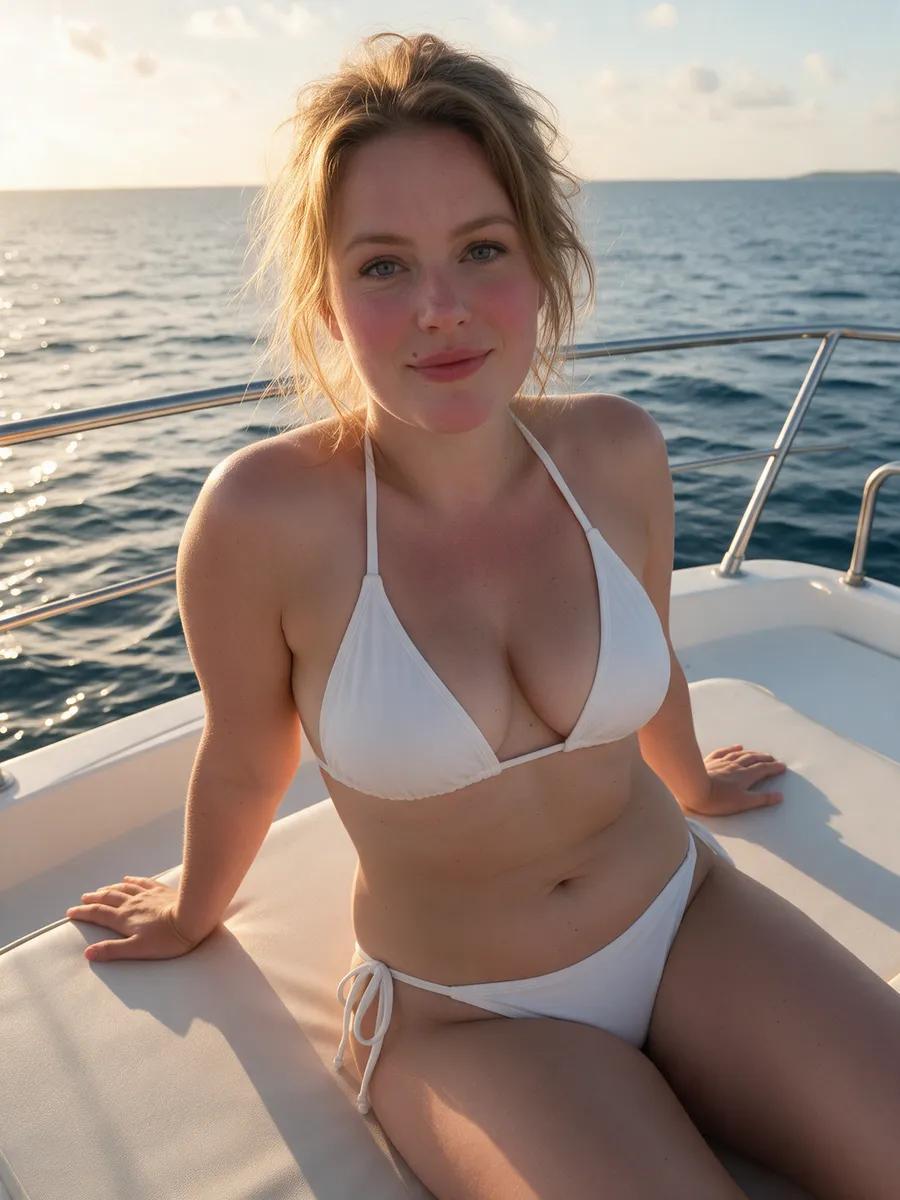
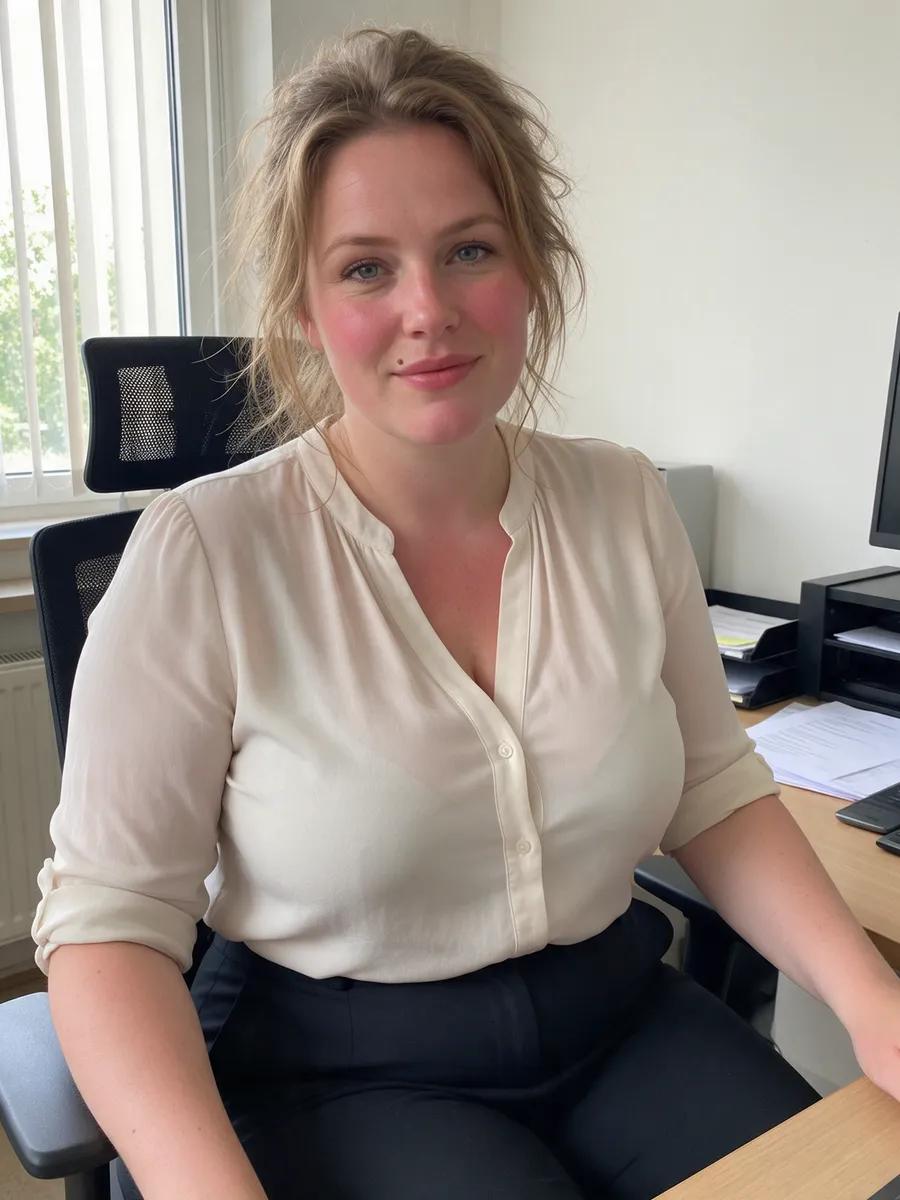
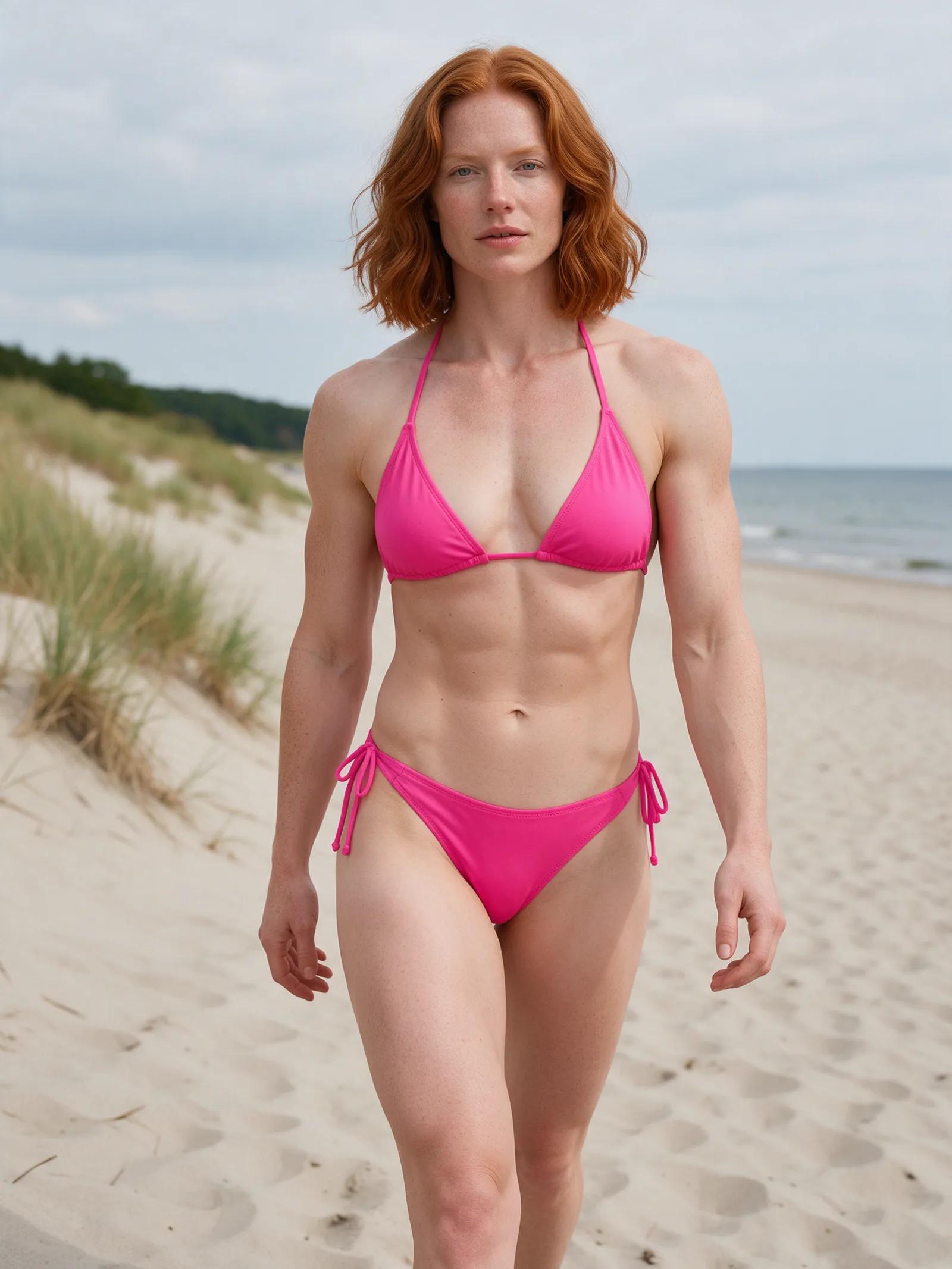
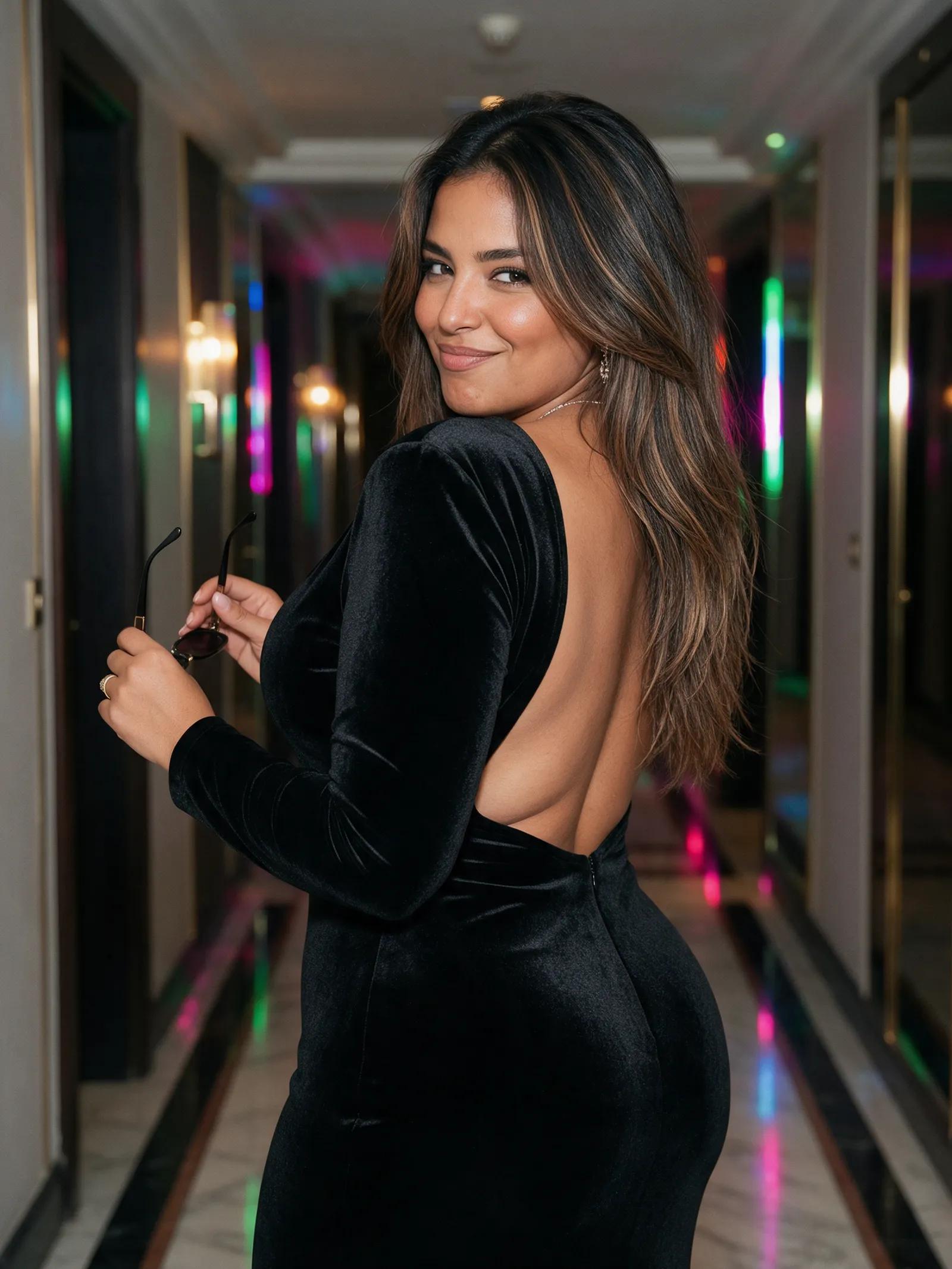
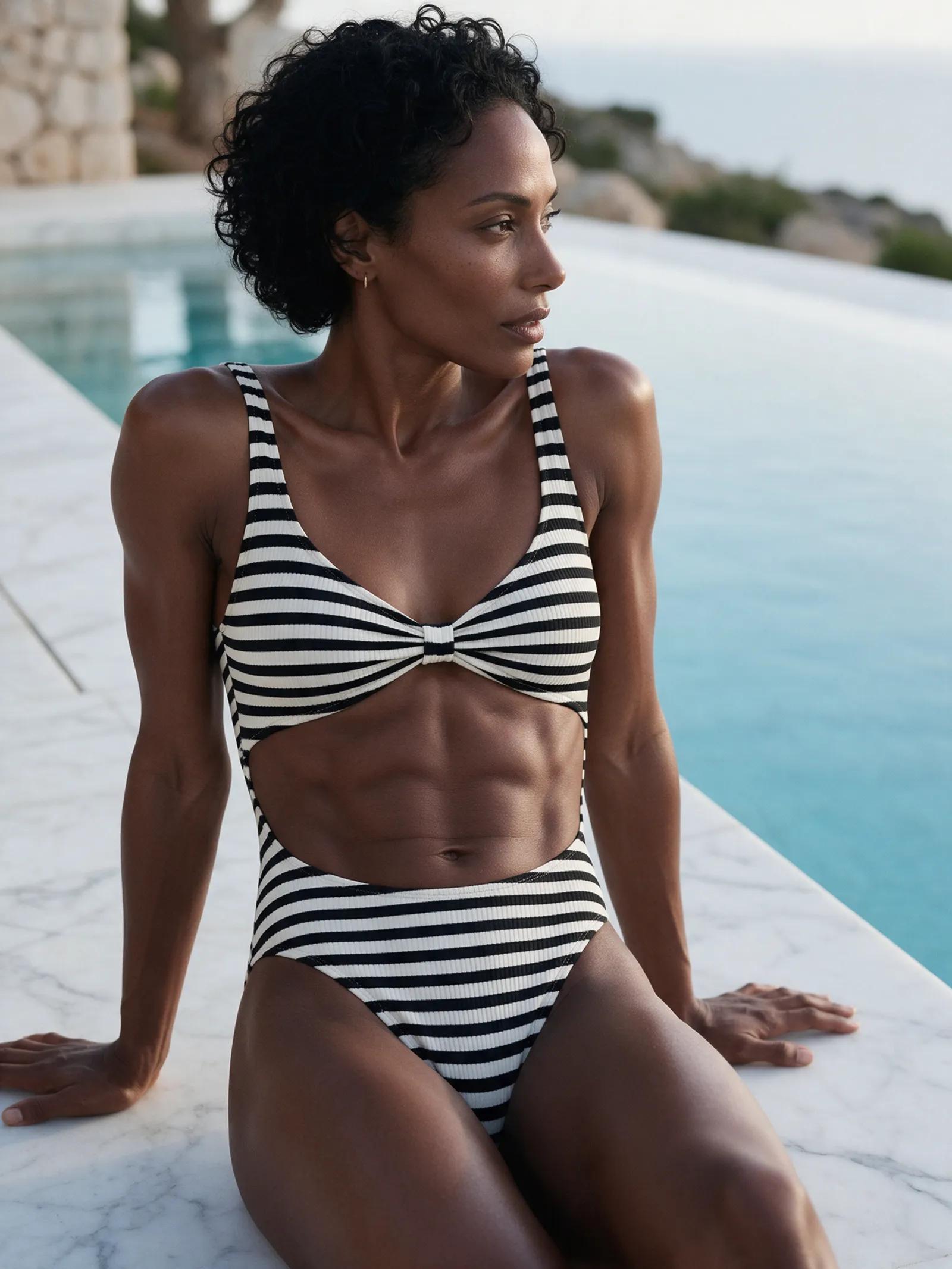
This uncensored AI photo editor turns a simple prompt into a whole new look. Swap a hoodie for a bikini, a kitchen for a palm-lined beach, or an office for a yacht deck.
Play with daring outfits, warm lighting, and glamorous locations. When a real person appears in a photo, their consent is essential.
You can use
Your own photos
Fictional adult women
Photos shared with consent
Bikini and lingerie looks
New outfits and settings
Never allowed
Third-party photos without consent
Secretly saved personal photos
People whose age is unclear
Fictional figures of unclear age
Uploads made without authorization
What to know before you change the scene
How does the photo editor work?+
Upload an image, then describe the change in a prompt. The editor can adjust the outfit, background, or lighting while following your instructions about what should remain the same. Your result appears in your private account library.
Can I try the photo editor for free?+
Registration is free. After confirming your email, you'll receive a small starter credit to try the studio. If you want to keep creating, you can buy one-time credit packs with no subscription.
Can I edit a photo with just one sentence?+
Yes. Start with a direct prompt such as, “Change her outfit to a red bikini and the background to a sunny beach.” Adding details about the lighting, mood, and features you want to preserve gives the editor clearer direction.
Can I explore bolder outfit ideas?+
You can request bikini, lingerie, beach, yacht, or hotel-suite looks directly in your prompt. Consent and clearly adult subjects are always required. Those boundaries apply to every upload and edit.
Are there any restrictions?+
You have room to create bolder outfit and setting changes without a prudish style filter, but the studio is not restriction-free. Use your own photo, an image of a fictional adult person, or a real person's photo shared with their consent.
How do I keep the same face and figure?+
State exactly what must remain unchanged, such as the face, hair, figure, or identity. The before-and-after examples include their exact prompts, so you can see how those instructions are written. Each example also has an “open in studio” button.
Where are my edited images saved?+
Every result lands in a private library within your account. You can view and download your images there, with no subscription required.
Give your photo a more tempting backdrop
Describe the outfit, location, and lighting, then let the studio bring your new scene to life.