Sunset glance
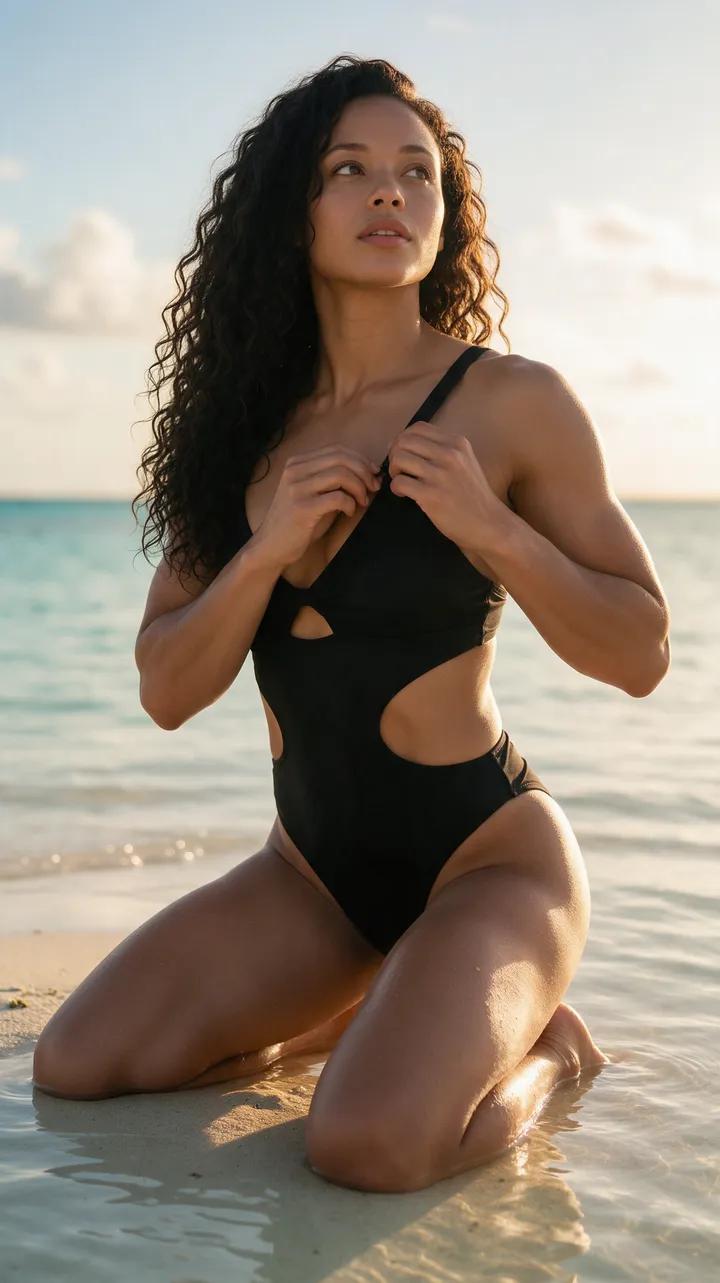
She adjusts the strap, glances up through her lashes, and smiles as the camera slowly moves closer.
“She adjusts a strap, glances up through her lashes and smiles. Slow push-in.”
From still to scene
With image to video AI, a single still becomes a vivid short clip. Describe a turn, smile, breeze, or walk from the waves, then watch the scene unfold.
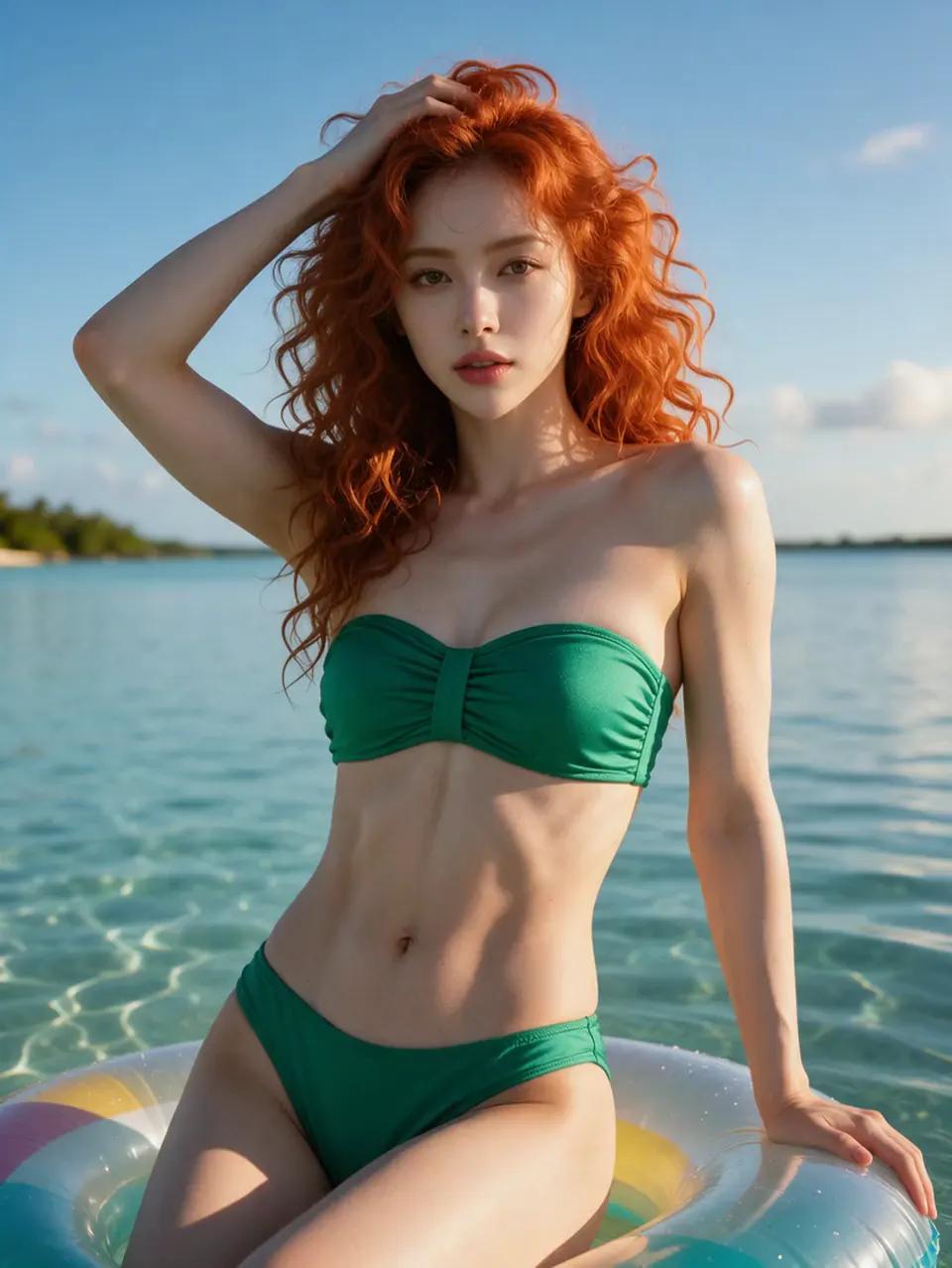
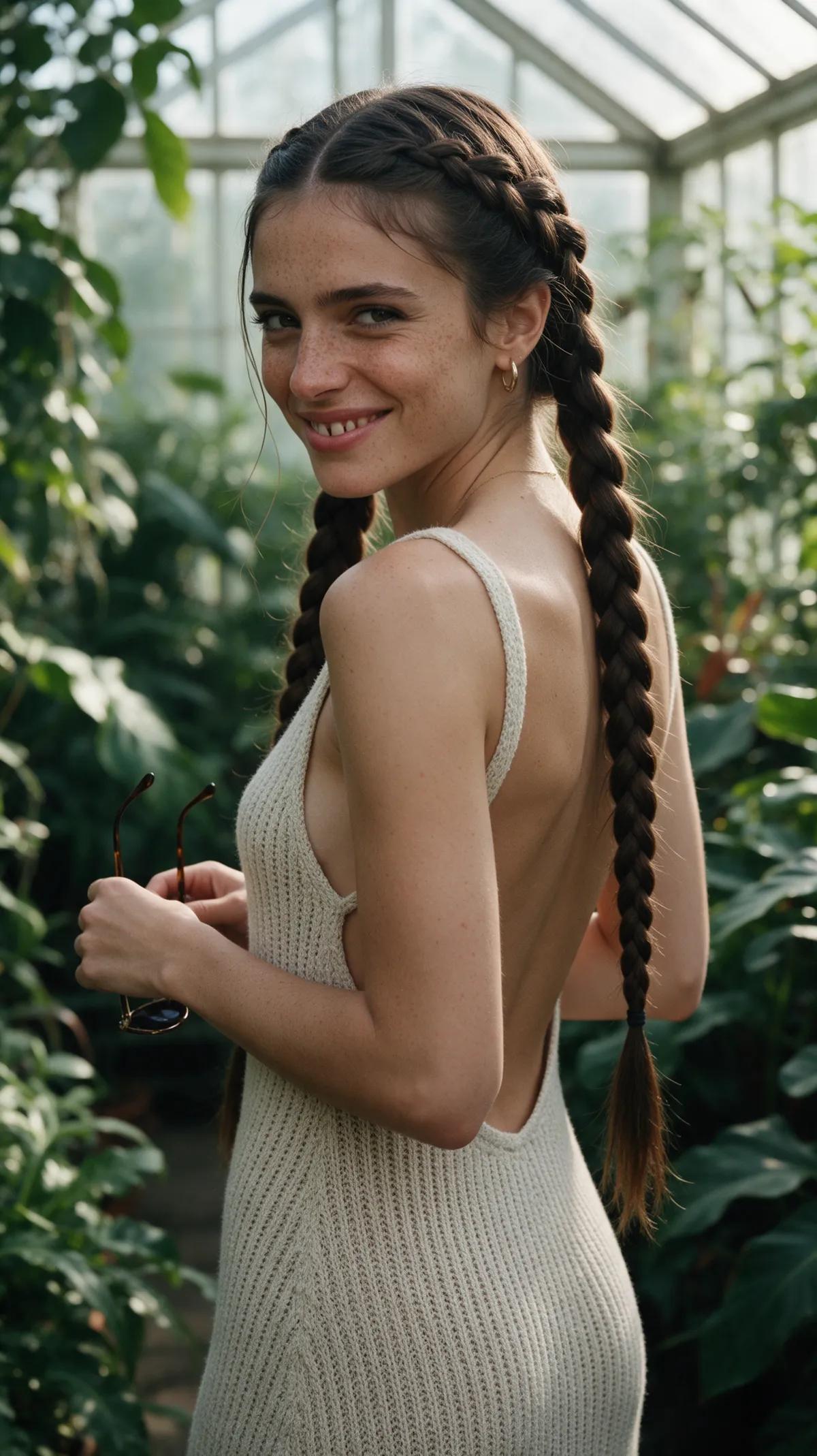
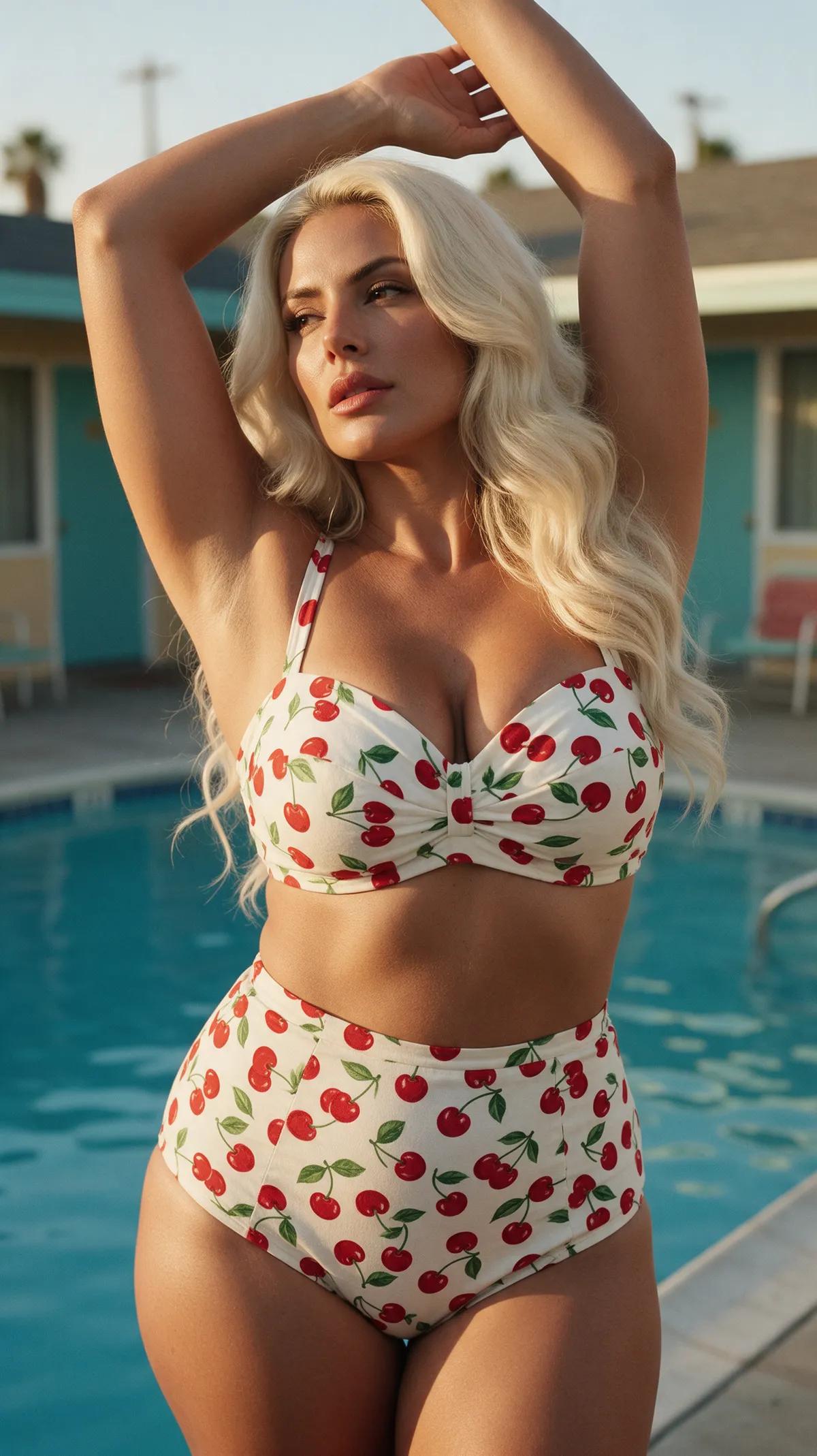
Motion changes everything
See what a glance, a breeze, and a little summer light can bring to life. Every example was made in the Ferkelkram studio and comes with the exact prompt and an “open in studio” button.
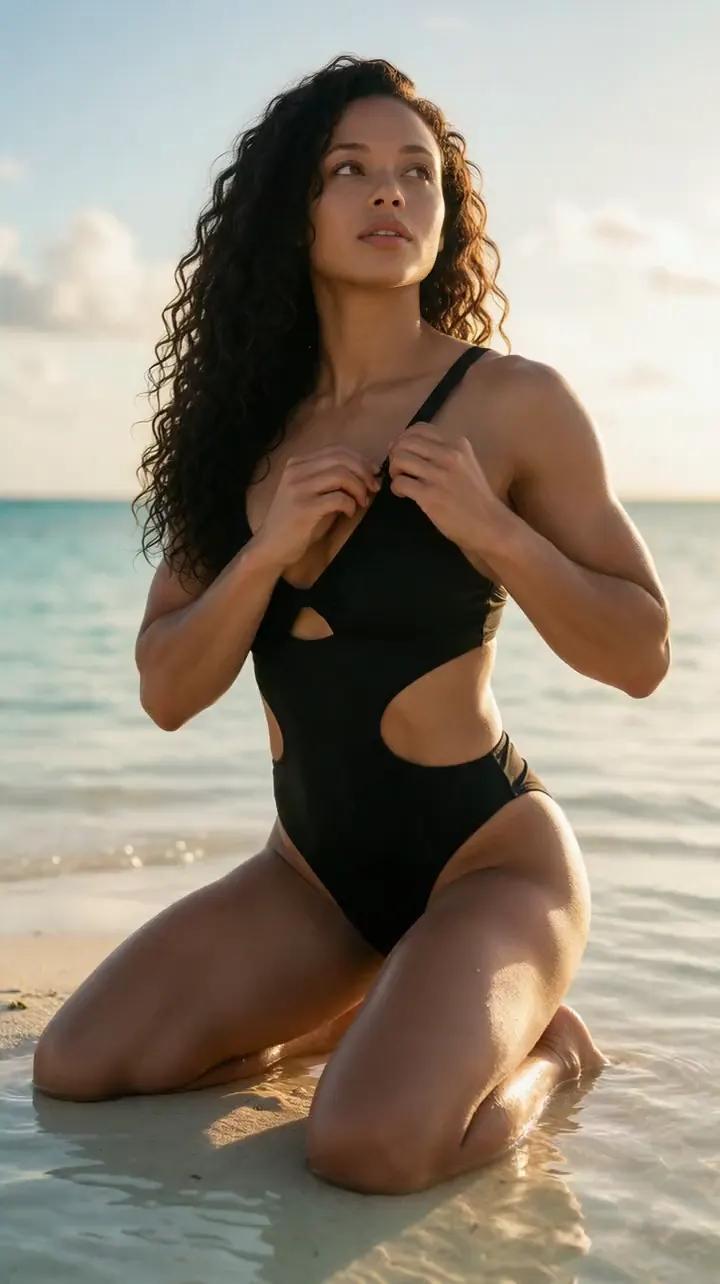
She adjusts the strap, glances up through her lashes, and smiles as the camera slowly moves closer.
“She adjusts a strap, glances up through her lashes and smiles. Slow push-in.”


She hugs her knee, tilts her head and laughs, then looks straight into the lens while the camera stays still.
“She hugs her knee, tilts her head and smiles, then relaxes into the same pose, natural realistic movement, static camera.”
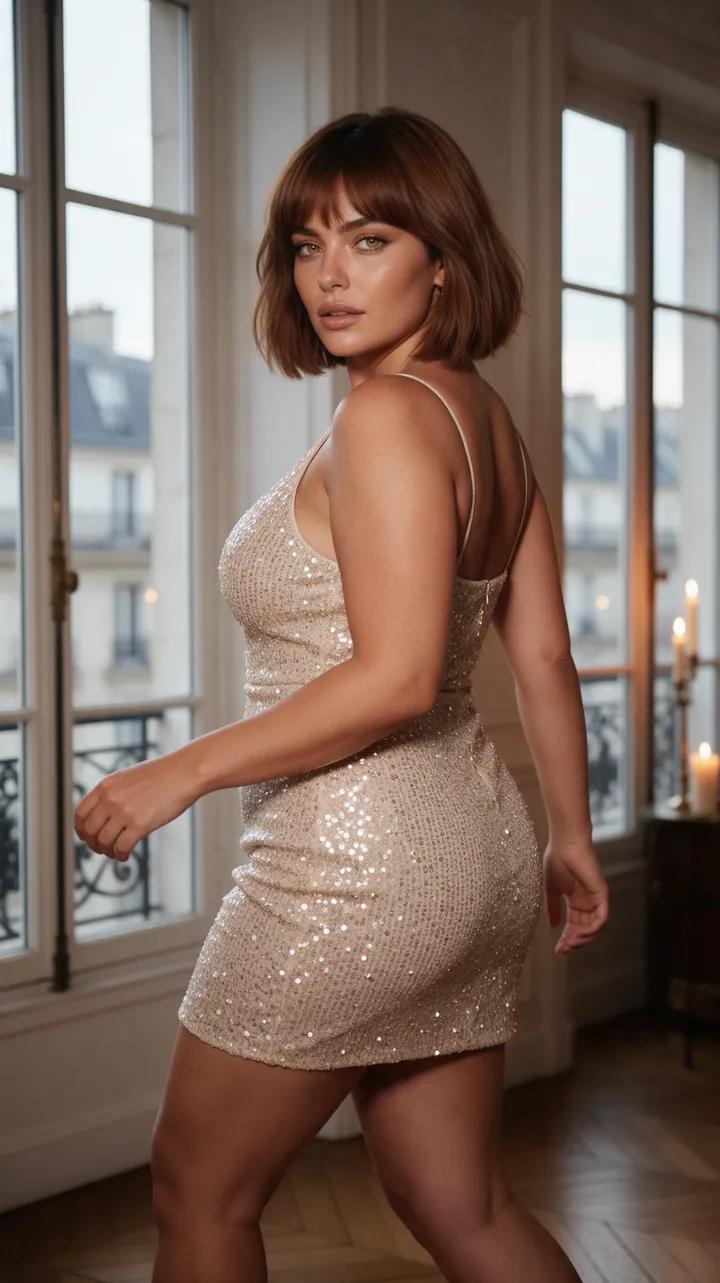
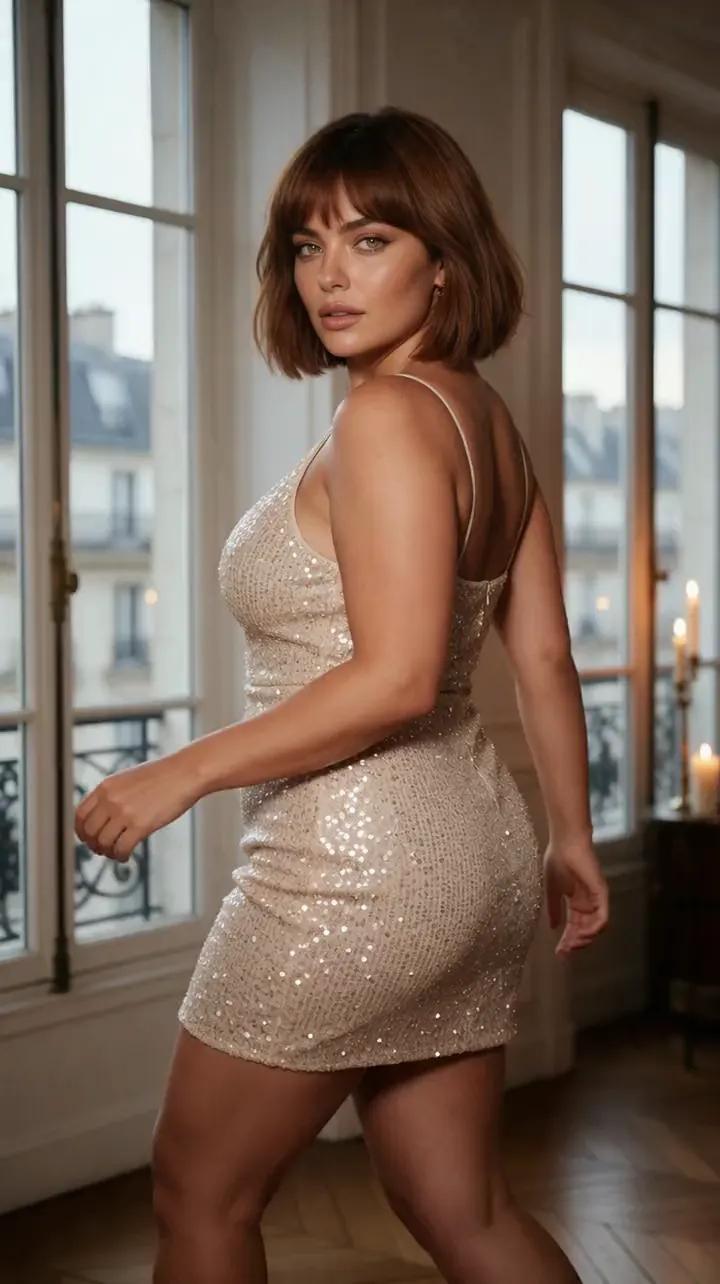
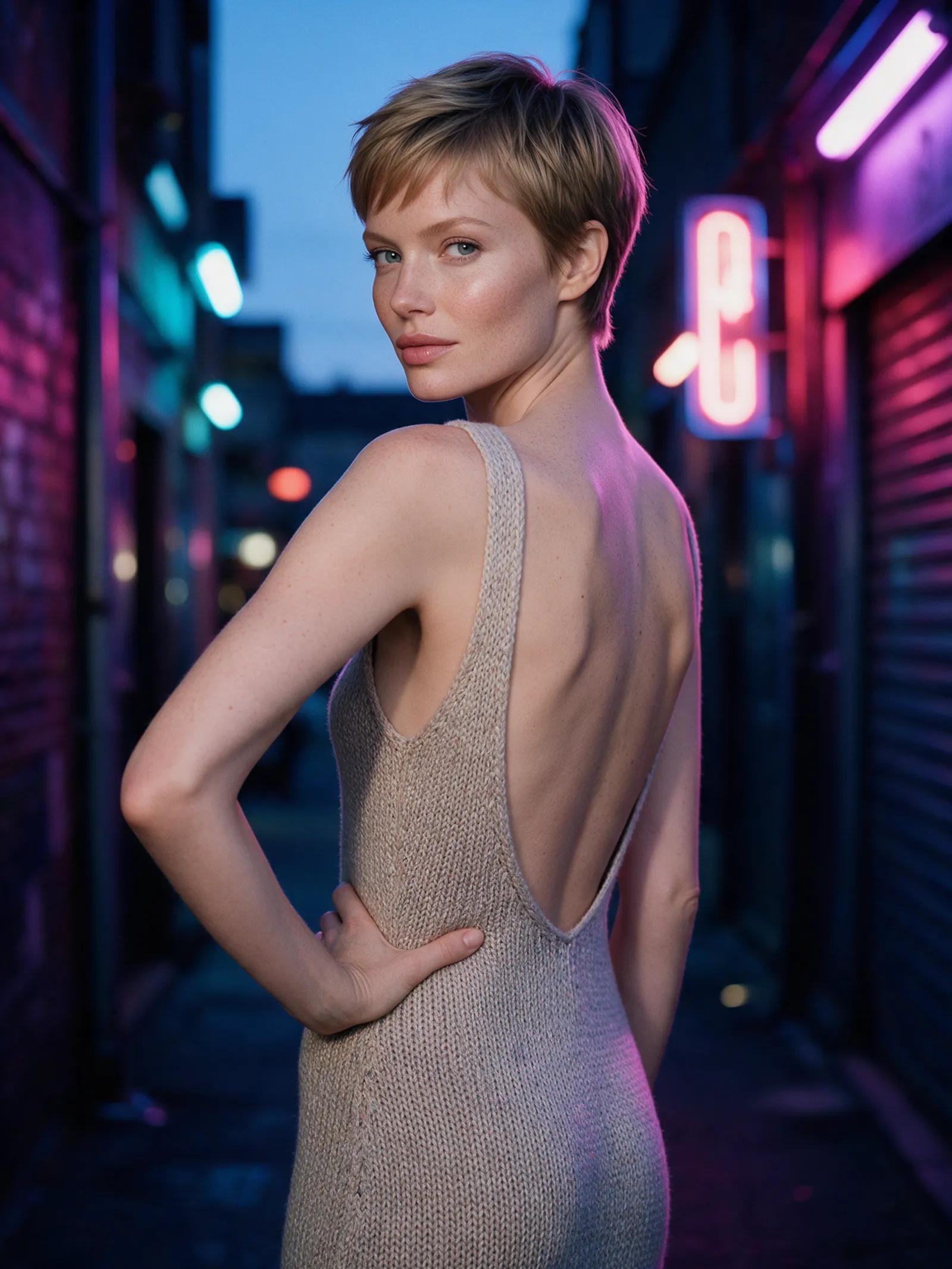
She turns mid-step, her hair swinging, and catches the moving camera with a smile.
“She turns mid-step, her hair swinging, and catches the camera with a smile. Tracking shot.”

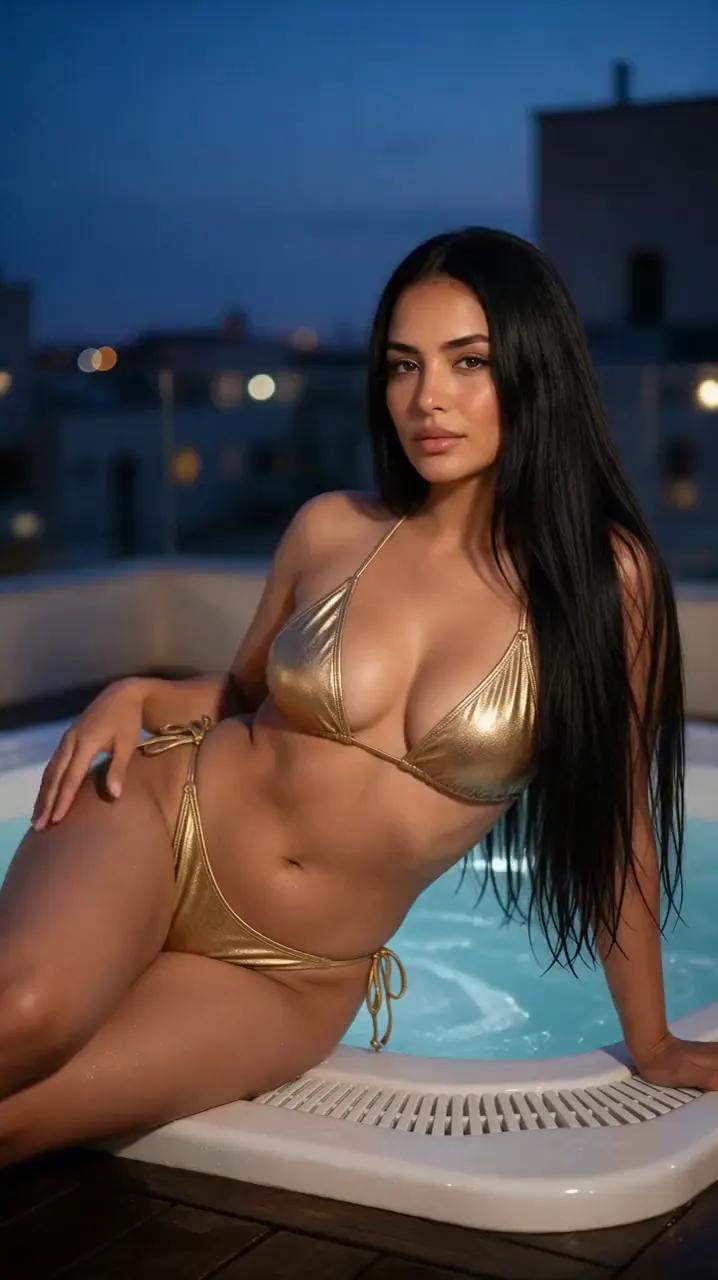
She rolls slightly toward the camera, rests her head on her hand, and flashes a playful smile in the static shot.
“She sits at the edge of the jacuzzi, smiles at the camera and brushes her hair behind her ear, natural realistic movement, static camera.”


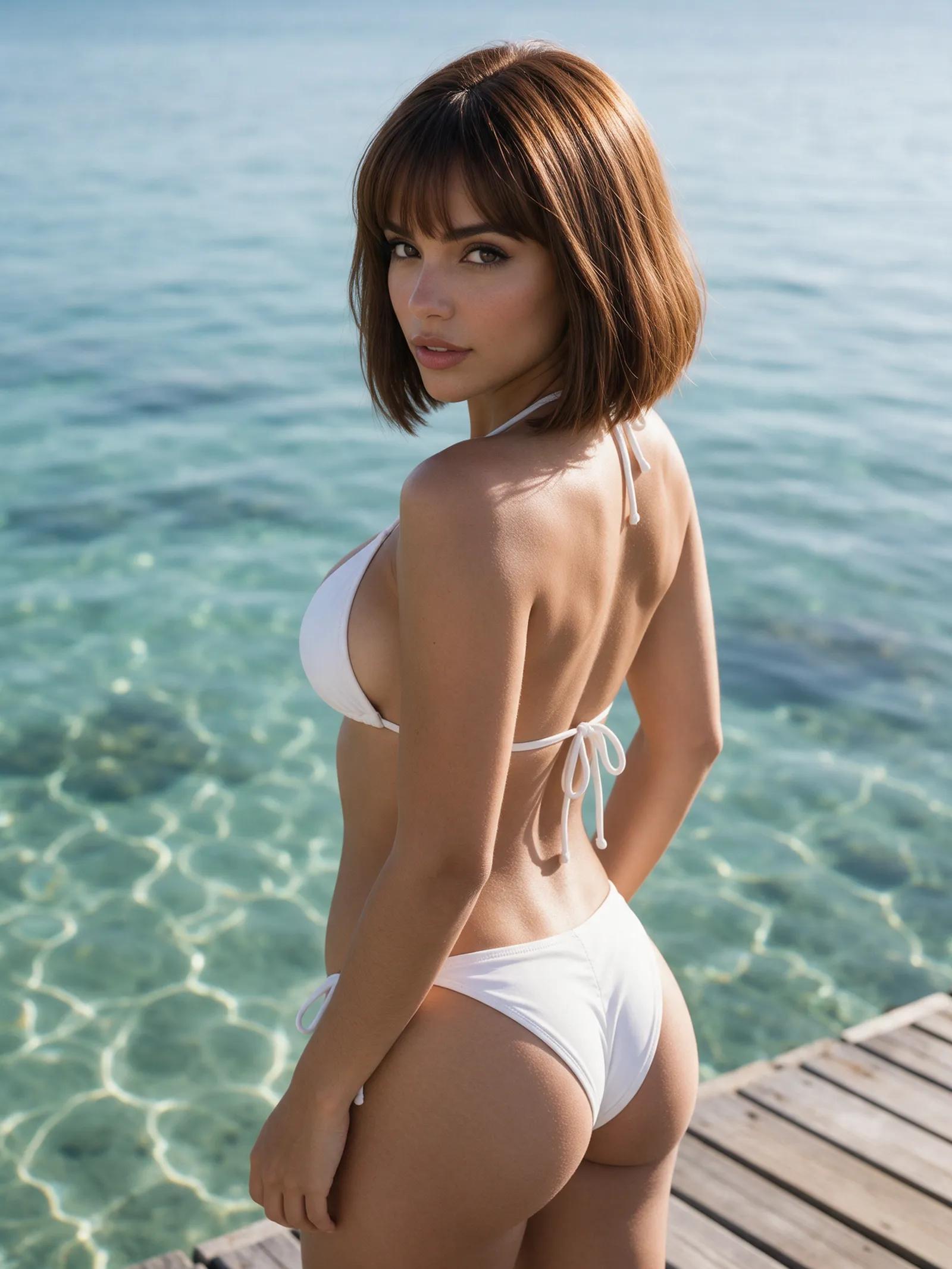
She glances over her shoulder and smiles slowly as the breeze catches her hair and the camera gently moves in.
“She glances over her shoulder at the camera, smiles slowly and her hair moves in the breeze. Gentle push-in.”
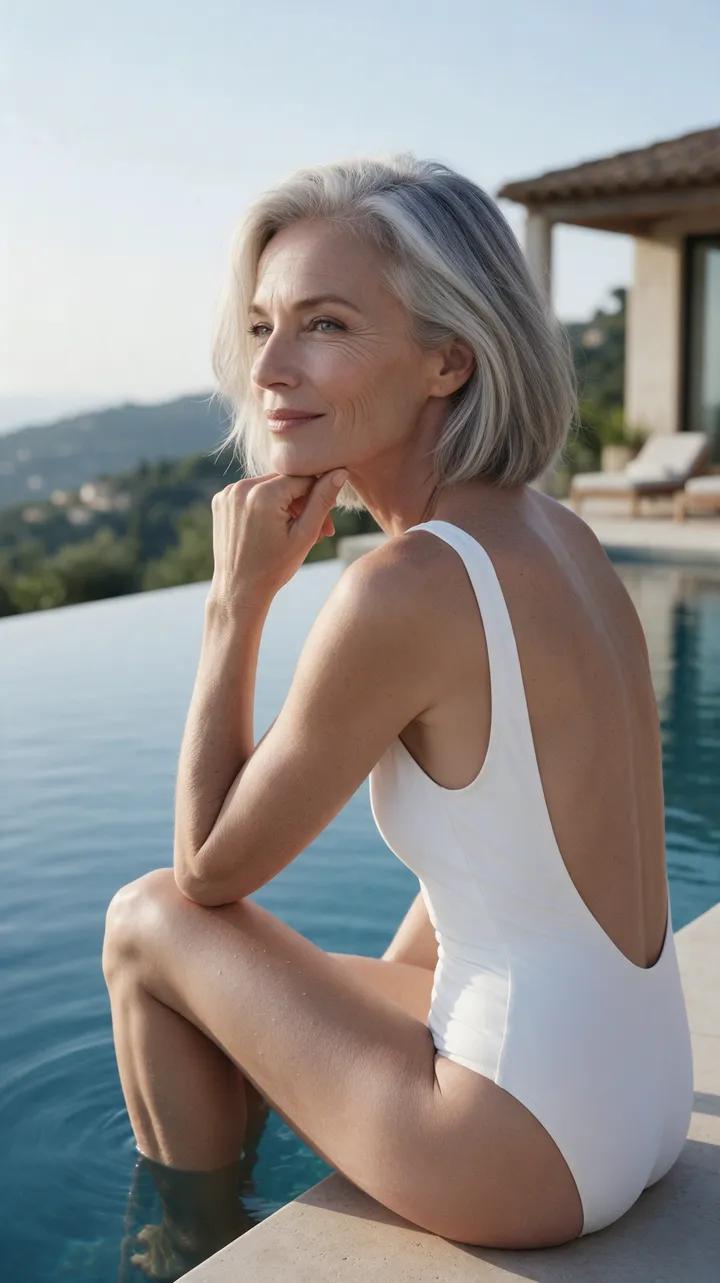
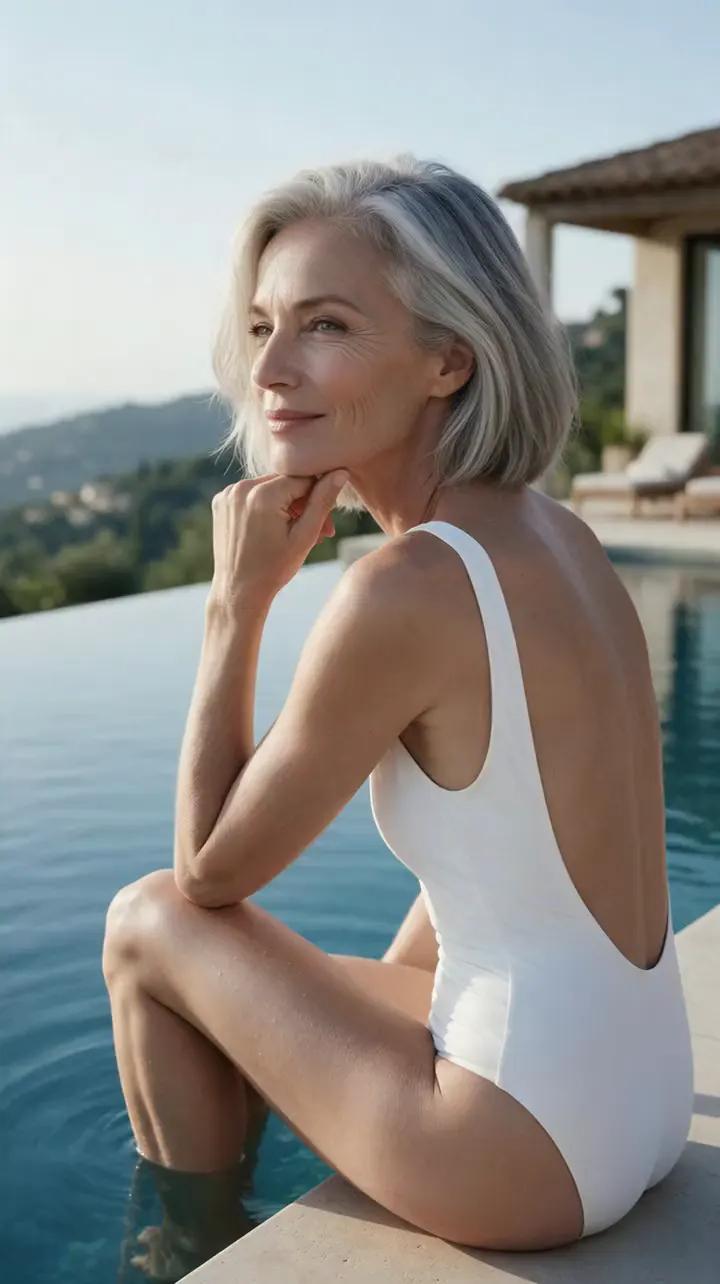
She lifts her chin from her hand, smiles, and blows a kiss toward the camera.
“She lifts her chin from her hand, smiles and blows a kiss to the camera. Static camera.”
Three simple steps
Choose the still you want to turn into a short video.
Write what should happen: she turns, smiles, looks into the lens, or walks out of the waves.
Pick the engine, resolution, and aspect ratio. Your finished video goes to your private library, ready to download.
From photo to video
Wan 2.7 creates stable clips with sound, from subtle gestures to gentle camera moves.
Wan 3.0 delivers the most detailed results, creates its own soundtrack, and supports clips up to 30 seconds.
Create in 720p or 1080p with 9:16 vertical, 1:1 square, or 16:9 widescreen framing.
Every result lands in your account’s private library. Download your clips whenever you like.
Buy one-time credit packs and use them whenever you like. A five-second clip costs more credits than an image.
Every example on the site was created in the Ferkelkram studio. Copy the exact prompt or open it directly in the studio.
Upload a still and describe the motion you want in a prompt. The generator turns your direction into a short clip with movement such as a smile, a turn, or a slow camera push.
Registration is free, and you receive a small starter credit after confirming your email. Additional credits are available in one-time packs, with no subscription.
Choose Wan 2.7 for stable clips with sound. Pick Wan 3.0 for the most detailed results, an original soundtrack, and clips up to 30 seconds.
Wan 3.0 supports clips up to 30 seconds. Video creation takes more credits than image creation, and a five-second clip may take a few minutes to generate.
Yes. Wan 2.7 creates stable video with sound, while Wan 3.0 generates its own soundtrack for the clip.
Videos are available in 720p or 1080p. Choose 9:16 for vertical video, 1:1 for square, or 16:9 for widescreen.
You may upload your own photo. To use a photo of another real person, you need their consent. People created inside the studio are fictional and clearly depicted as being of legal age.
Upload a still, describe the moment, and turn that lingering glance into a vivid short clip.